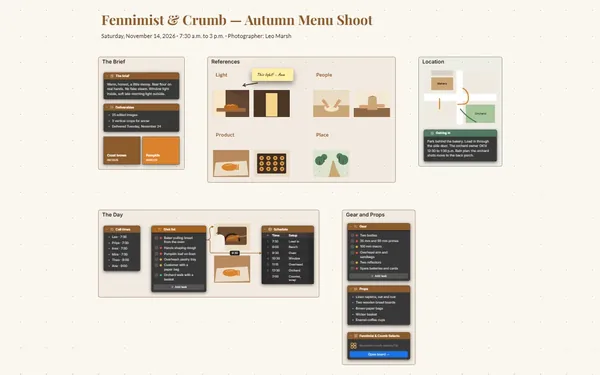
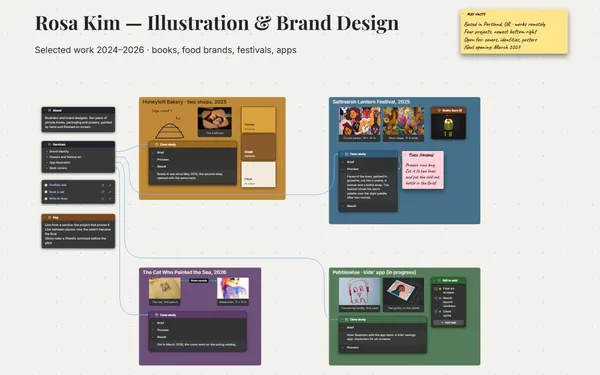
Your studio wall, without the pushpins.

An art reference board built around a body of work: references grouped freely by light, color and place, with a line from each one to the painting it feeds.

Futur3 Board is in private beta. Invited accounts get every Subscriber feature free during the beta. No limits on your free boards, saved anywhere.

An art reference board: references in frames by light and color, with thumbnails and palettes linked to six paintings.

Why artists put it on a board

Art reference board: a cluster of references dropped into a frame

Clear the camera roll

Saved photos, phone snaps from the bus, a screenshot of a painting you love. Drop them all on the board and stop hunting for that neon reflection. Your attention goes back to the easel.

Four reference frames zoomed out

Every reference in view

Light, color, figures and places, each in its own frame, the way you’d pin them to the studio wall. Double-click any one to see it large.

A labeled line from a photo to a works row

Know what feeds each painting

A line from a dusk photo to “No. 3, Spin Cycle”, labeled “light”. Six months in, you can still trace where every decision in a painting came from.

A work-in-progress photo beside its references

Put the work up. Look again.

Hang a photo of the painting in progress beside its references. Stand back, compare, note what’s off, and try it again tomorrow.

The three finished paintings in a row, the last stop of the visit

Walk a studio visitor through it

Present it full screen: the idea, the references, the thumbnails, then the paintings, fading in one at a time. A curator you invite can look through it first. Only the board’s owner needs Subscriber.
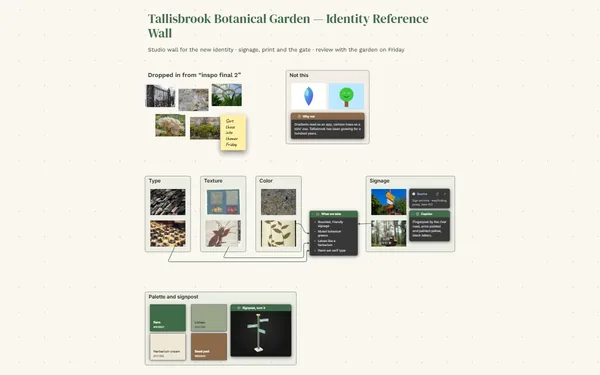
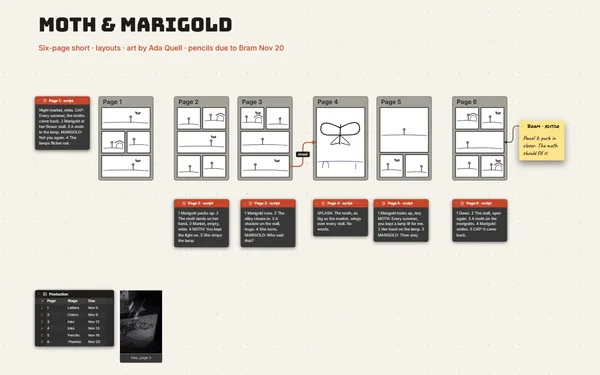
How it works

  1. Pin the references. Drop images into frames by light, color, figures and place.
  2. Sketch the compositions. Loose marker thumbnails beside the references they use.
  3. Link to the paintings. A line from each reference to the work it feeds.

What goes on the board

Pick a block to see where it sits on Late Light’s board.

Camera roll · to sortColorLightFiguresPlaceNo. 3, Spin Cycle · on the easelThumbnailsFinishedLate LightSix paintings of the city after dark · oil · Mara Velmora · for the spring show, April 9The six worksWorkSizeMediumStatusNo. 1, Last…24×30OilDoneNo. 2, Boot…30×40OilDoneNo. 3, Spin…36×48OilPaintingNo. 4, Cros…24×30OilDoneNo. 5, Nigh…30×40OilThumbsNo. 6, Wet…20×24OilIdeaThe 42 busThe 42 busWindshieldWindshieldBooth redBooth red under fl…No. 3 · booth redBlue hourAvenue at blue hourDusk, Oct 12Dusk over the ware…Wet roadWet roadNo. 3 · dryer bl…BlurredBlurredDiner, 5thDiner, 5thThree walkersThree walkers, backlitThe laundretteLaundrette, 11 p.m.Neon dinerDiner neon, Route 9No. 3 · week 3On the easel, week 3The signThe signThings to tryPush the dryer glassgreener. Let the signbleed into the wetfloor. Lose thesecond figure?The dryersThe dryers, 2 a.m.No. 5No. 6No. 3, v2No. 1, Last B…No. 1, Last BusNo. 2, Booth 4No. 2, Booth 4No. 4, Crossw…No. 4, Crosswa…No. 1 · referencesNo. 2 · referencesNo. 4 · referenceslightplace

Questions

Can I arrange images loosely, like a pinboard?

Yes. Images sit anywhere on the board and inside frames, overlapping or in rows, however you work. Double-click any image to see it large, or flip through them all in the gallery.

Can I sketch on the board itself?

Yes. Draw right on the board with the drawing tool for quick thumbnails, and keep a color palette for each painting beside them, with hex codes you can copy.

Can my mentor give feedback on the work?

Yes. Invite them by email to comment and they point an arrow at the exact sketch they mean, with replies underneath (Subscriber). The feedback stays on the work, not in an email thread.

Is it really free?

Yes. No limits on your free boards, saved anywhere: make as many as you like, with as many pictures and blocks as you like. They save on your computer, in your browser, or in your own Google Drive or OneDrive. The $5 Subscriber plan adds share links to view, comment, present or edit together live.

Who keeps my boards?

You do. Every board is a file you own: on your computer, in your browser, or in your own Google Drive or OneDrive. If you stop subscribing, your boards stay right where they are.

Does it work offline?

Yes. Install it from your browser in one click and it opens and saves like any app, with no connection.

Pin up everything that moves you. Then paint.

More boards like this