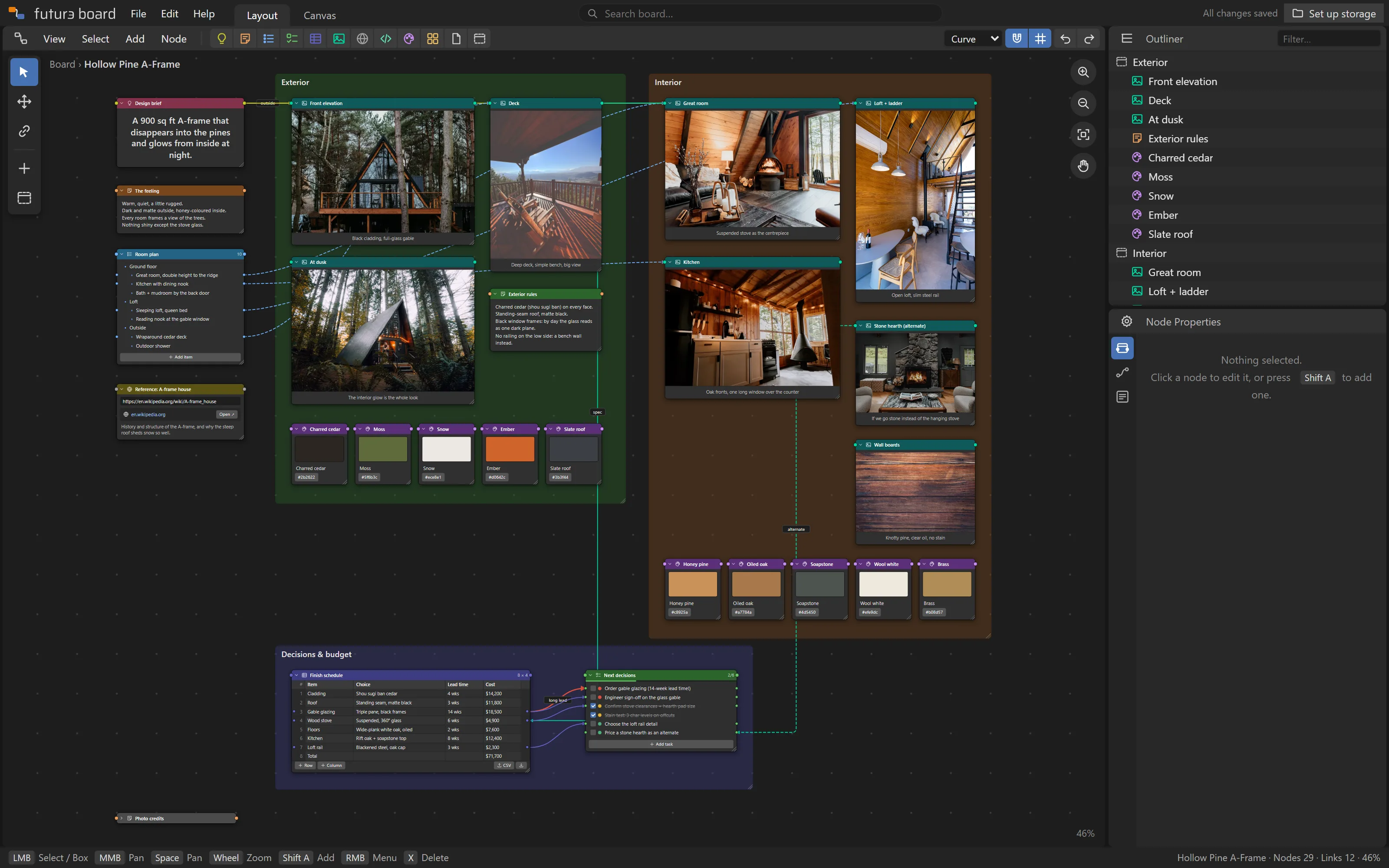
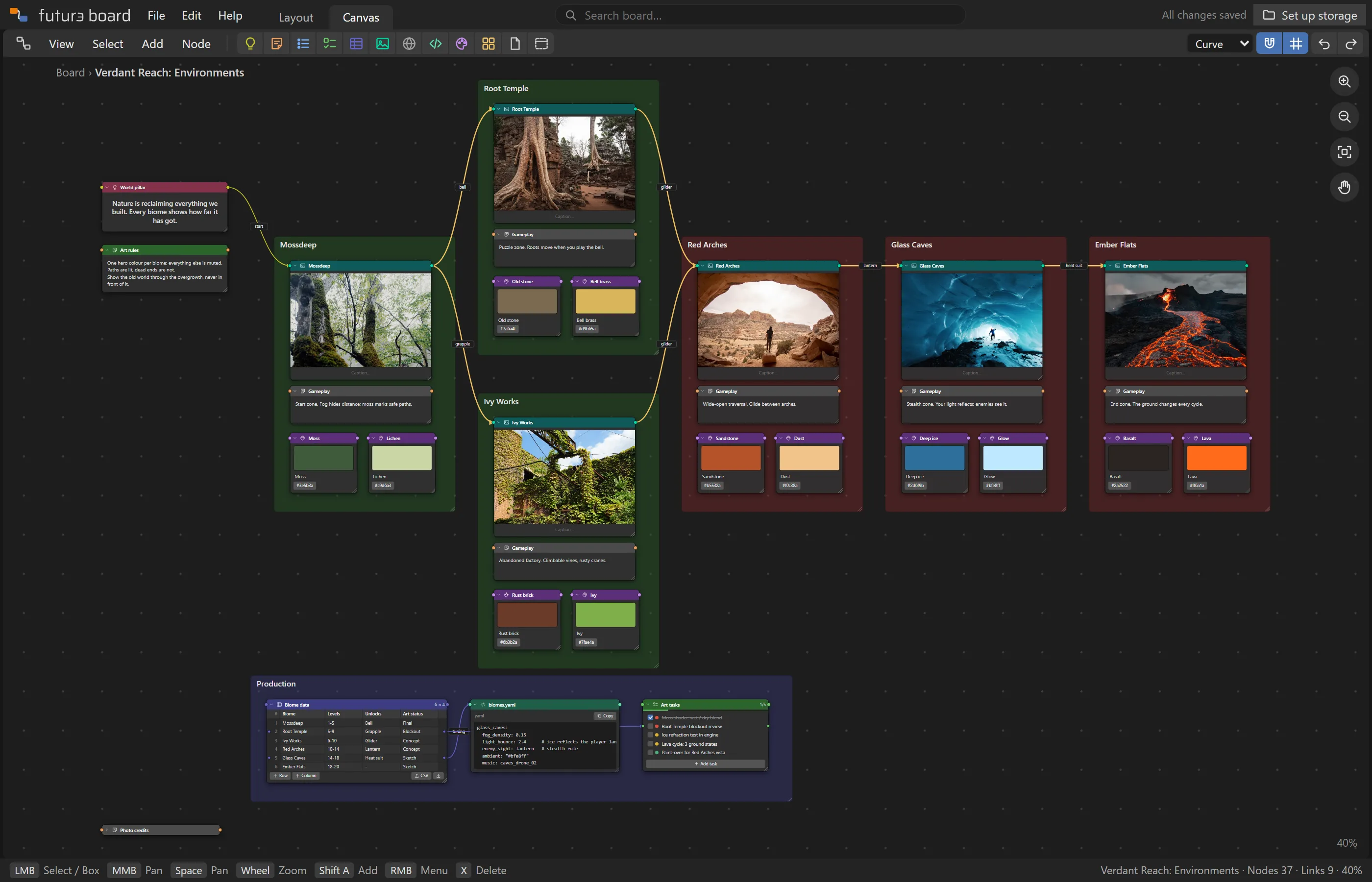
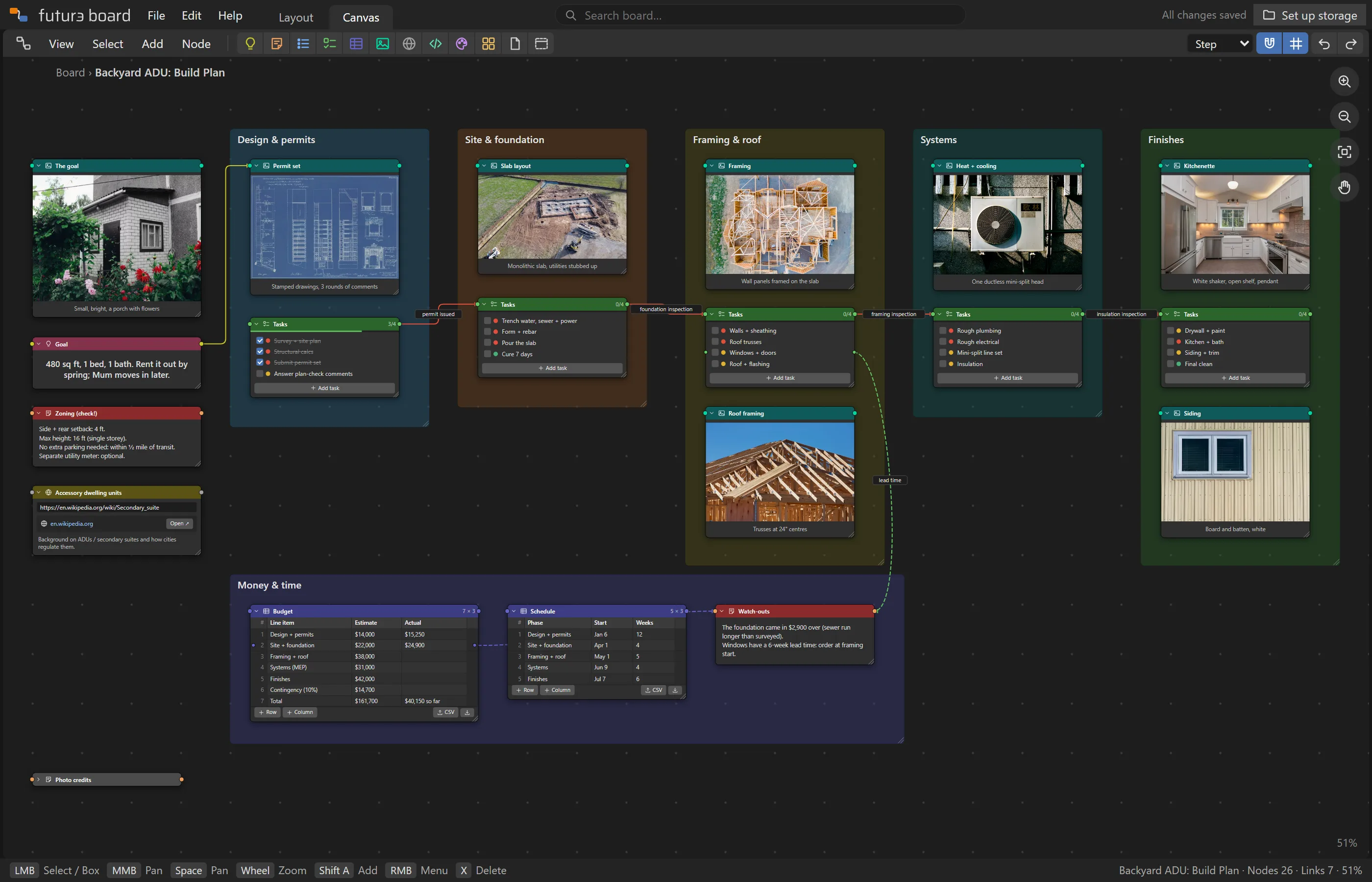
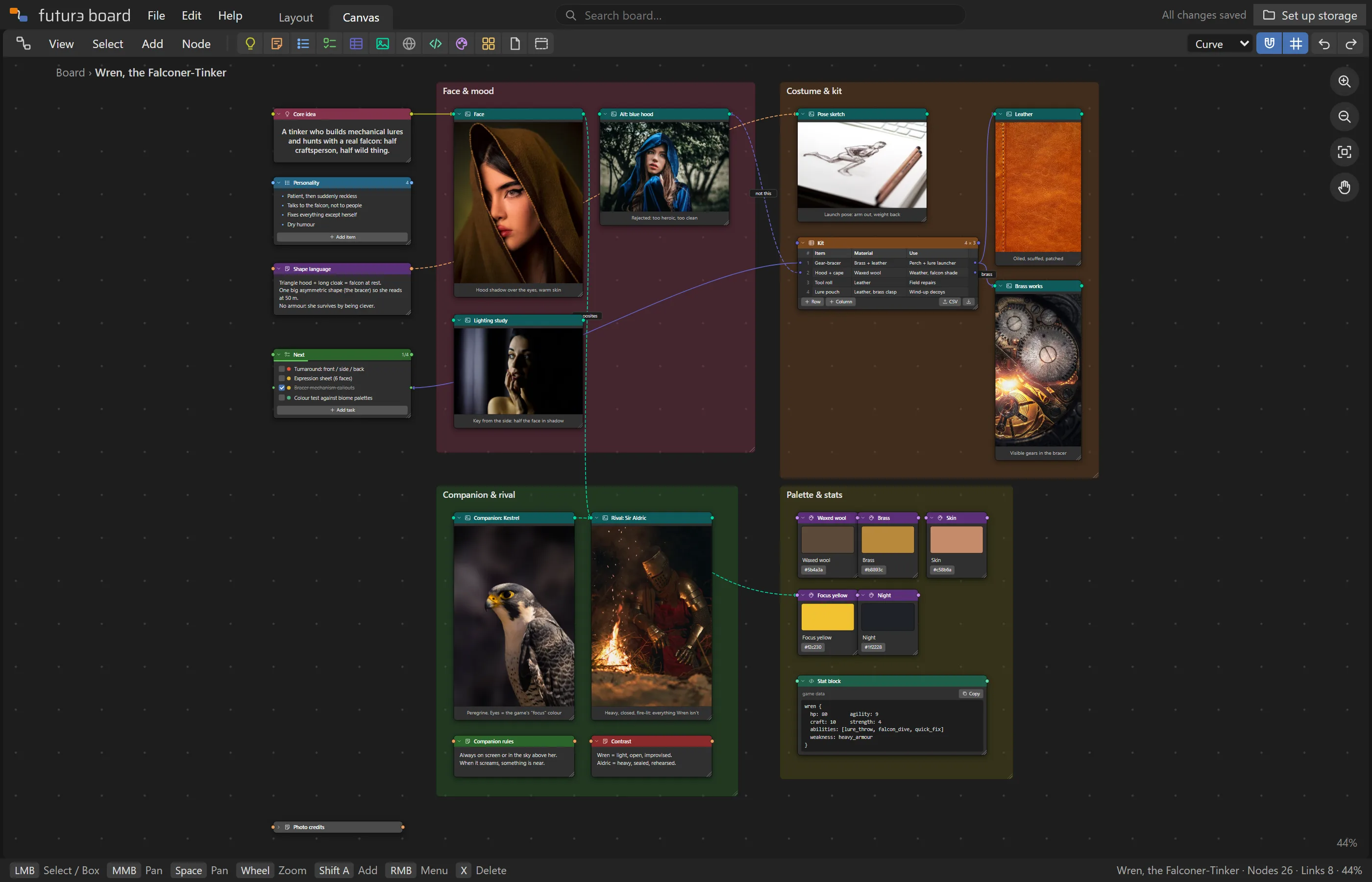
Photos next to the budget. The to-do wired to the decision that caused it. Futur3 Board puts images, notes, lists, tables, code and colour palettes on one canvas, and links them together, right down to a single row.
Private beta · Sign in with Google · Your boards live in your own Drive
board.futur3.app
Everything fits
Twelve kinds of node. One canvas.
Each node does one job well. Put them side by side, group them in frames, and connect them with wires that show how the pieces relate.
Idea
The big idea at the centre, in large type.
Note
Free text for briefs, rules and thoughts.
List
Bulleted or numbered, with nesting. Every item can be wired.
To-do
Checklists with priorities and progress.
Table
Rows and columns, with CSV import and export.
Image
Drop or paste photos, sketches and screenshots.
Link
Web bookmarks with a note on why they matter.
Code
Code, queries, configs or data, one click to copy.
Colour
Palette swatches with copyable hex codes.
Board
Link to another board and dive into it.
File
Attach PDFs, documents and other files.
Frame
Group a section of the board behind a title.
Wires with meaning
Connect ideas, not just boxes.
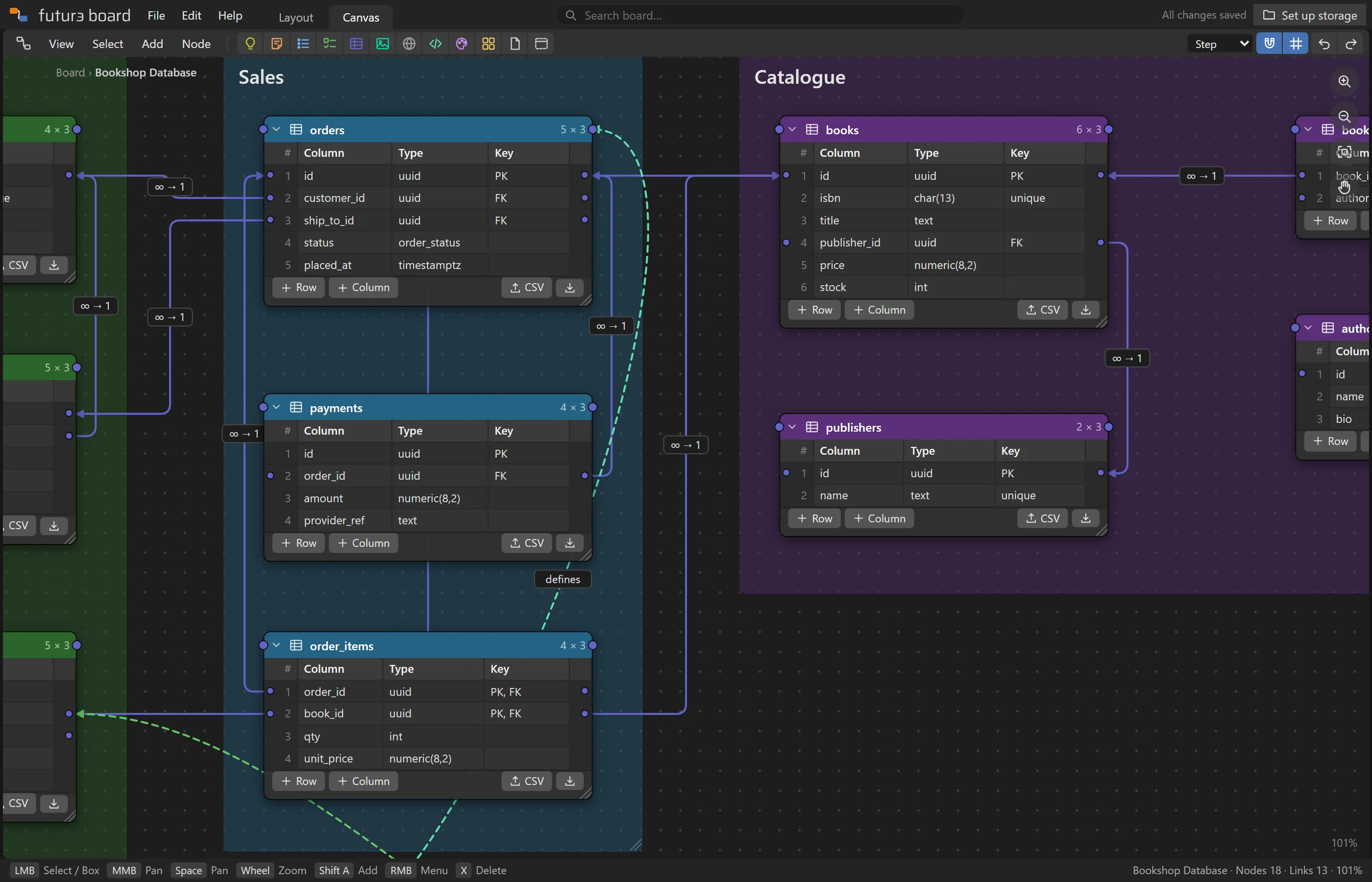
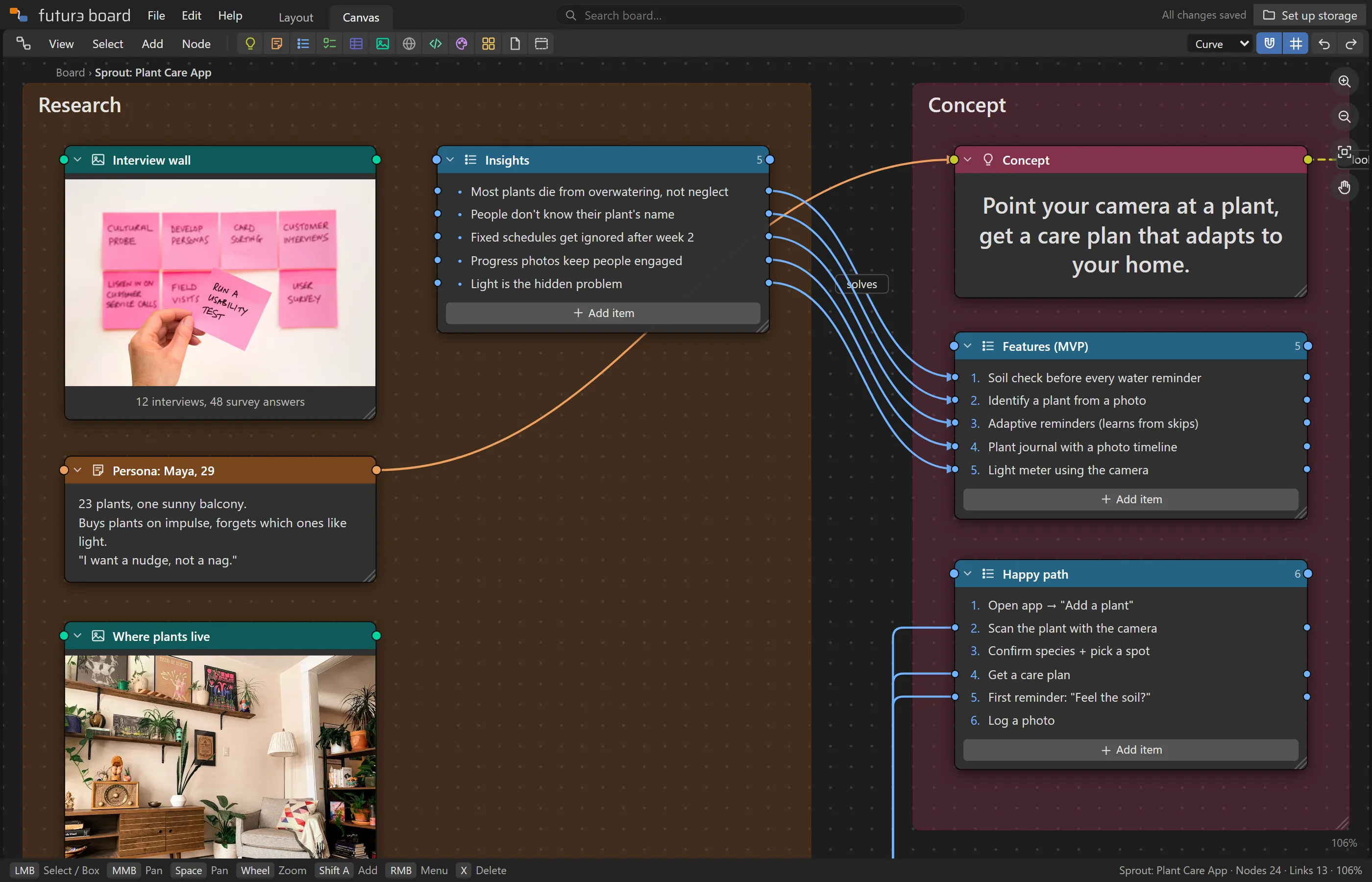
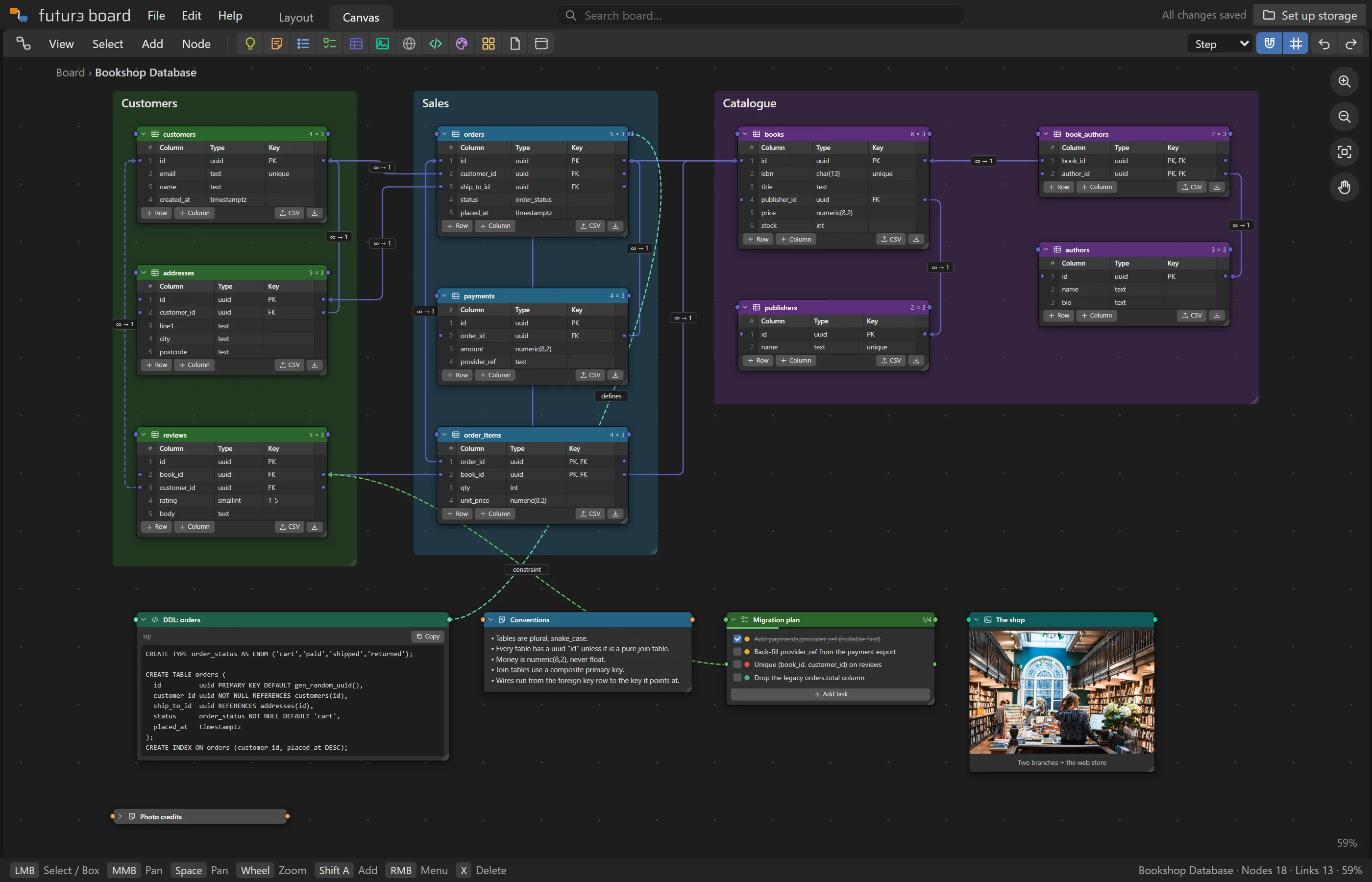
Most whiteboards link shapes. Futur3 Board links the actual thing you mean: a single list item, a to-do or a table row. A foreign key points at the key it references. A finding points at the feature it justifies.
Every row of a list, to-do or table has its own socket
Curved, straight or right-angled wires, with labels, arrows and dashes
Drag a wire's middle or its label to tidy the layout
Mood board to plan
The look and the logistics, together.
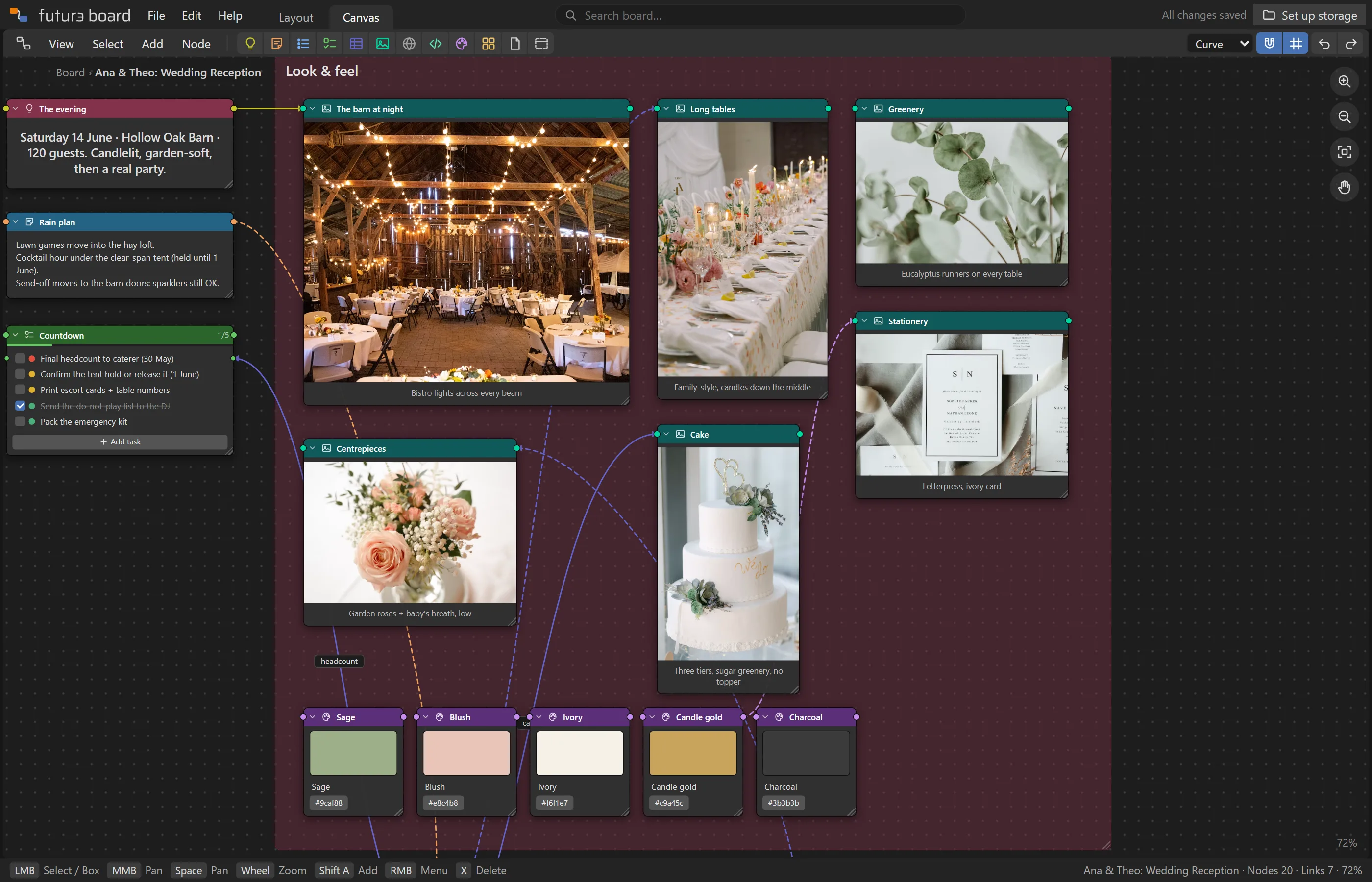
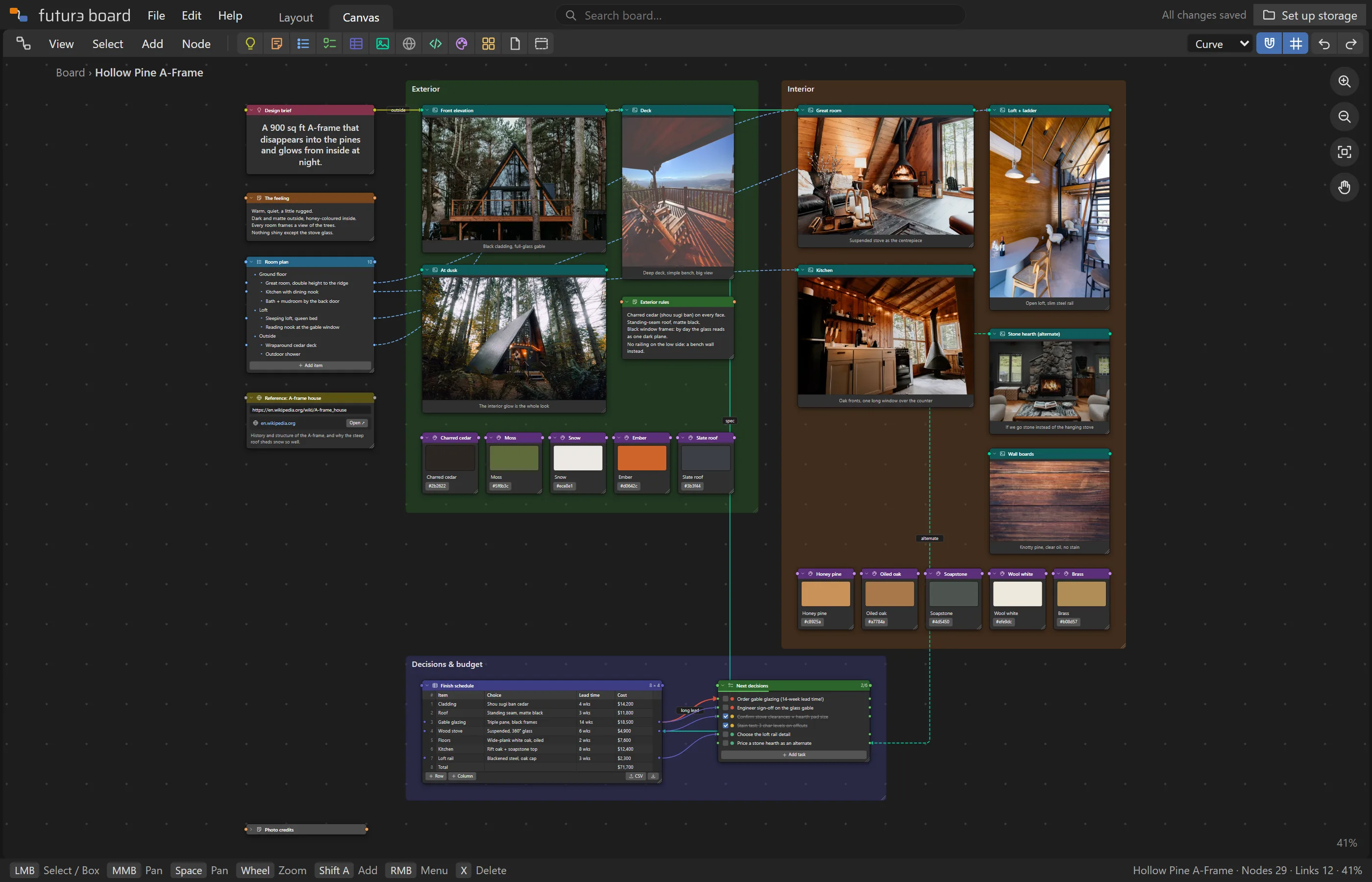
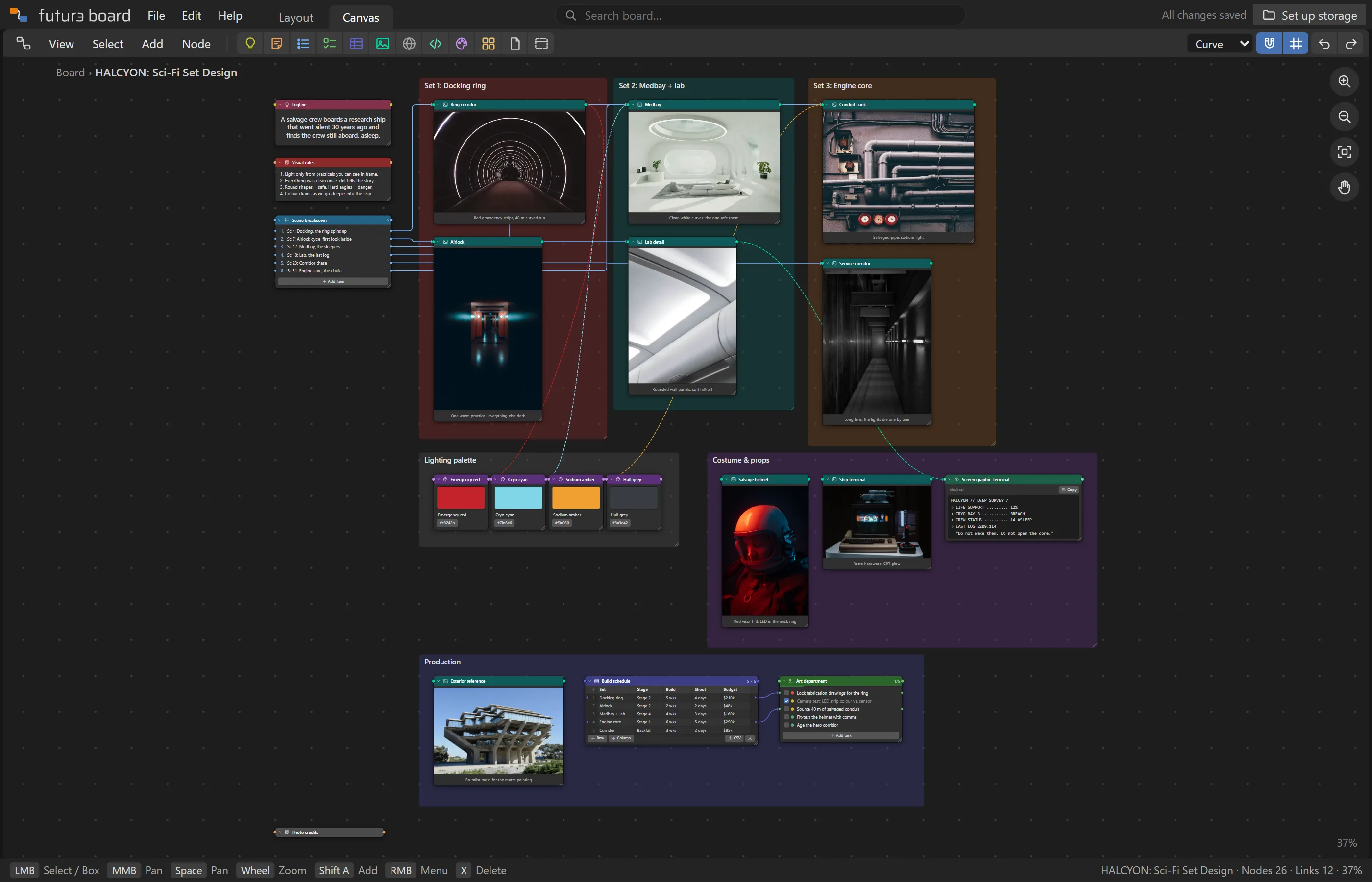
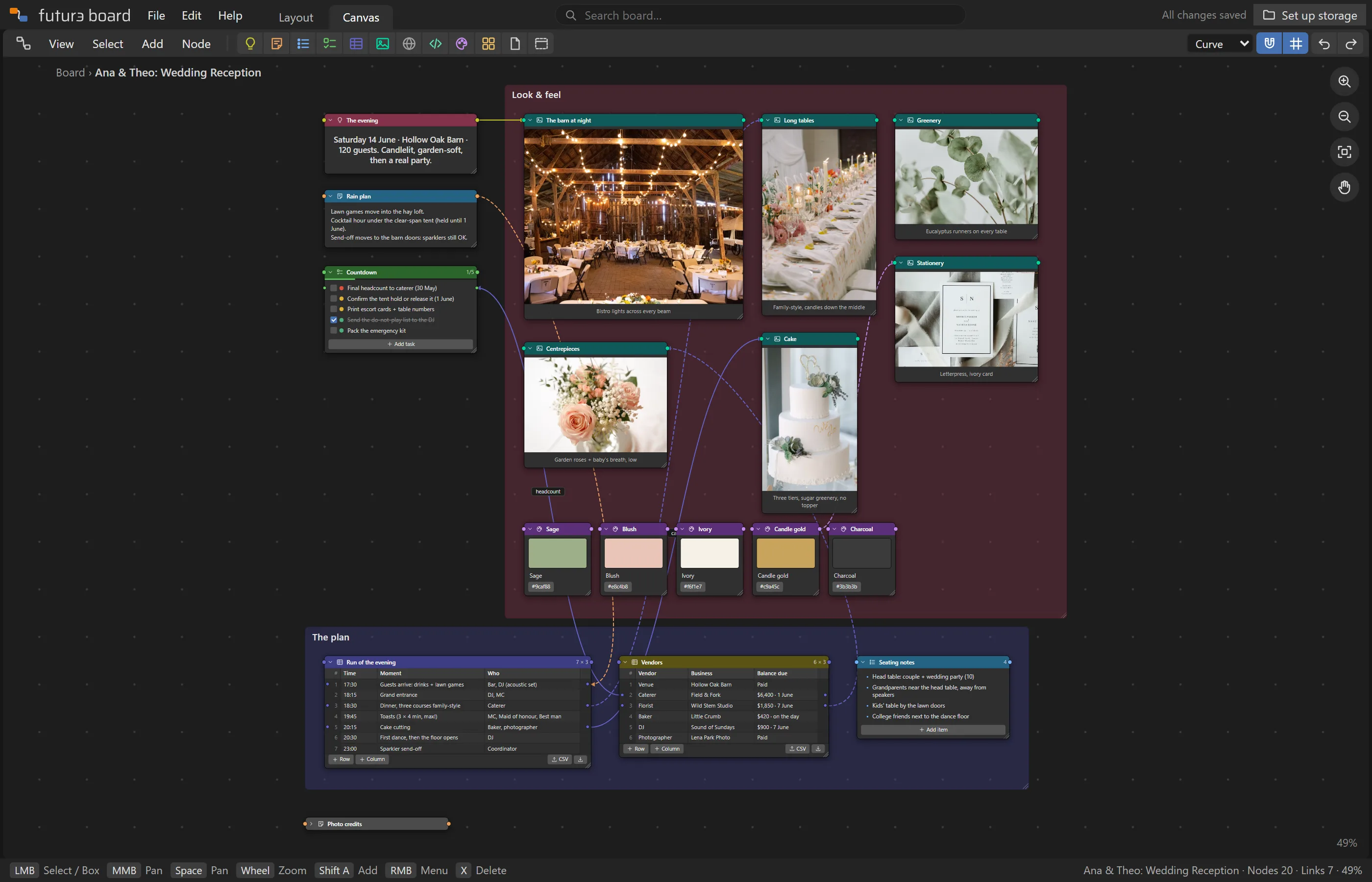
Drop in photos and colour swatches to set the mood, then keep going: timelines, vendor lists and countdowns sit on the same board, wired to the pictures they belong to.
Drag images in, or paste them
Colour swatches with copyable hex codes
Tables with CSV import and export
Think it through
From “why did this happen?” to “who fixes it?”
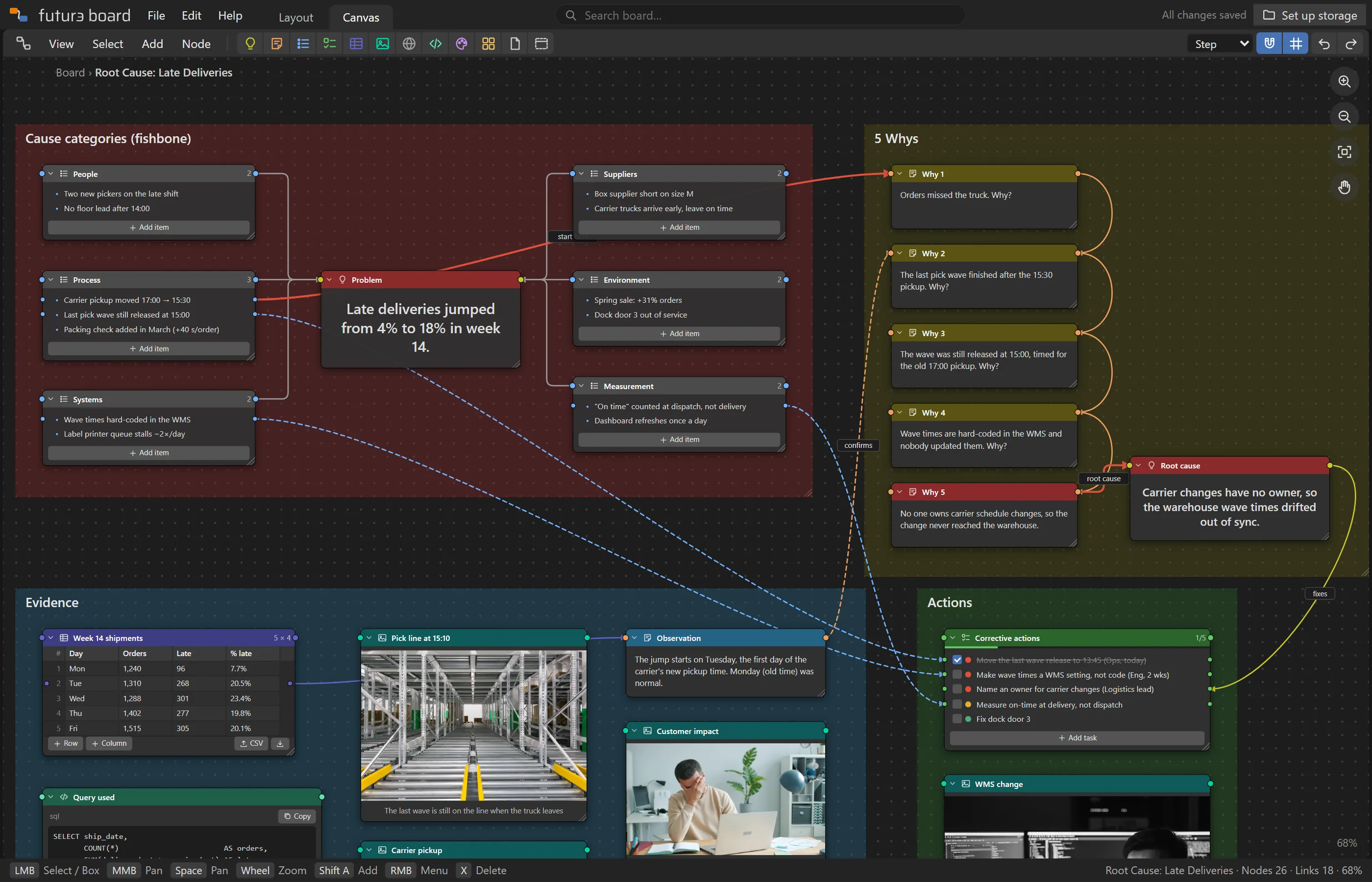
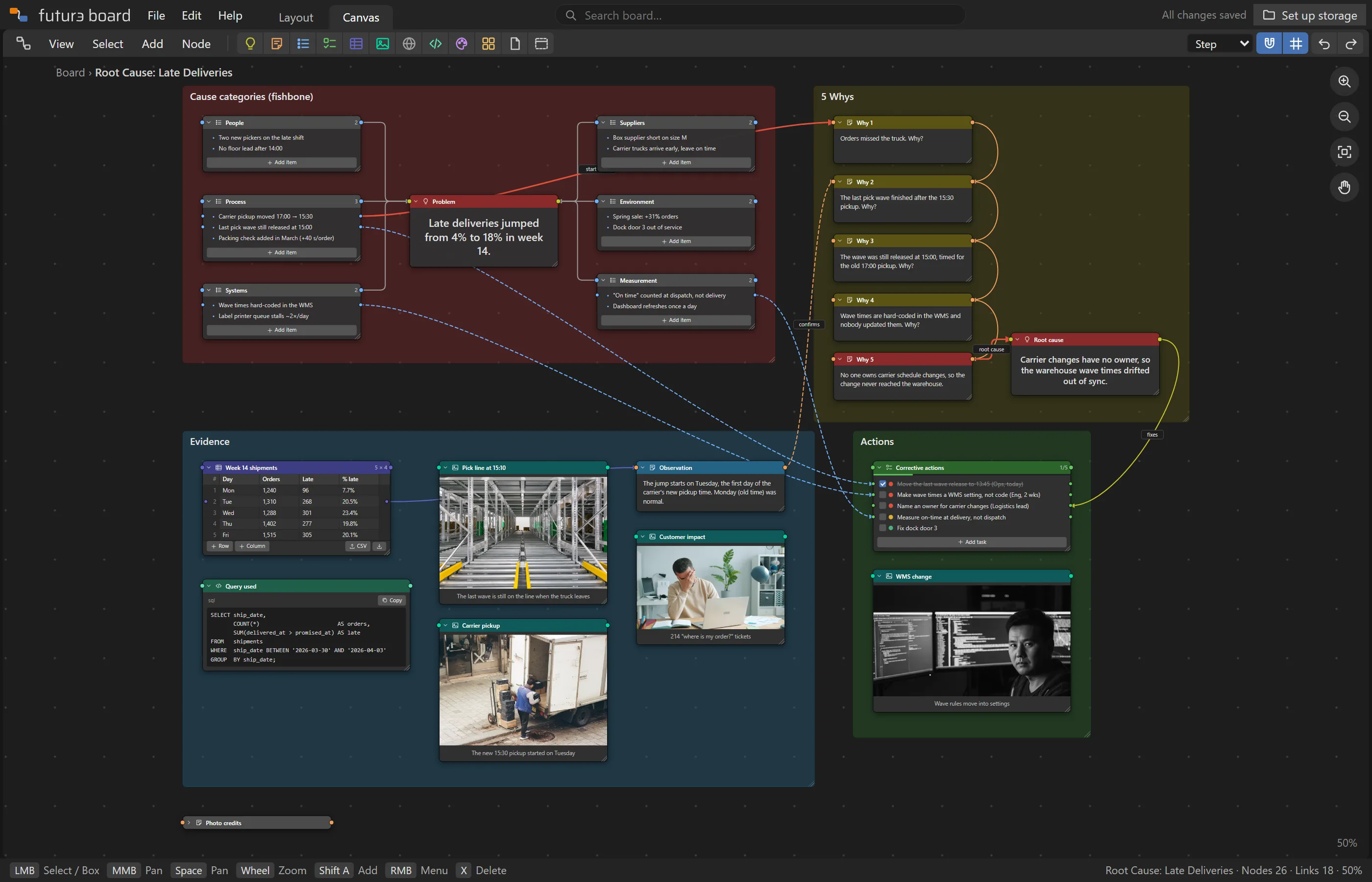
Lay out causes, follow a chain of whys to the root, and wire the root cause to the action that fixes it, with an owner and a priority. The reasoning stays visible long after the meeting.
To-dos with priorities and progress
Code nodes for queries, configs and data
Frames to group each part of the argument
Plans that hold together
Track every thread.
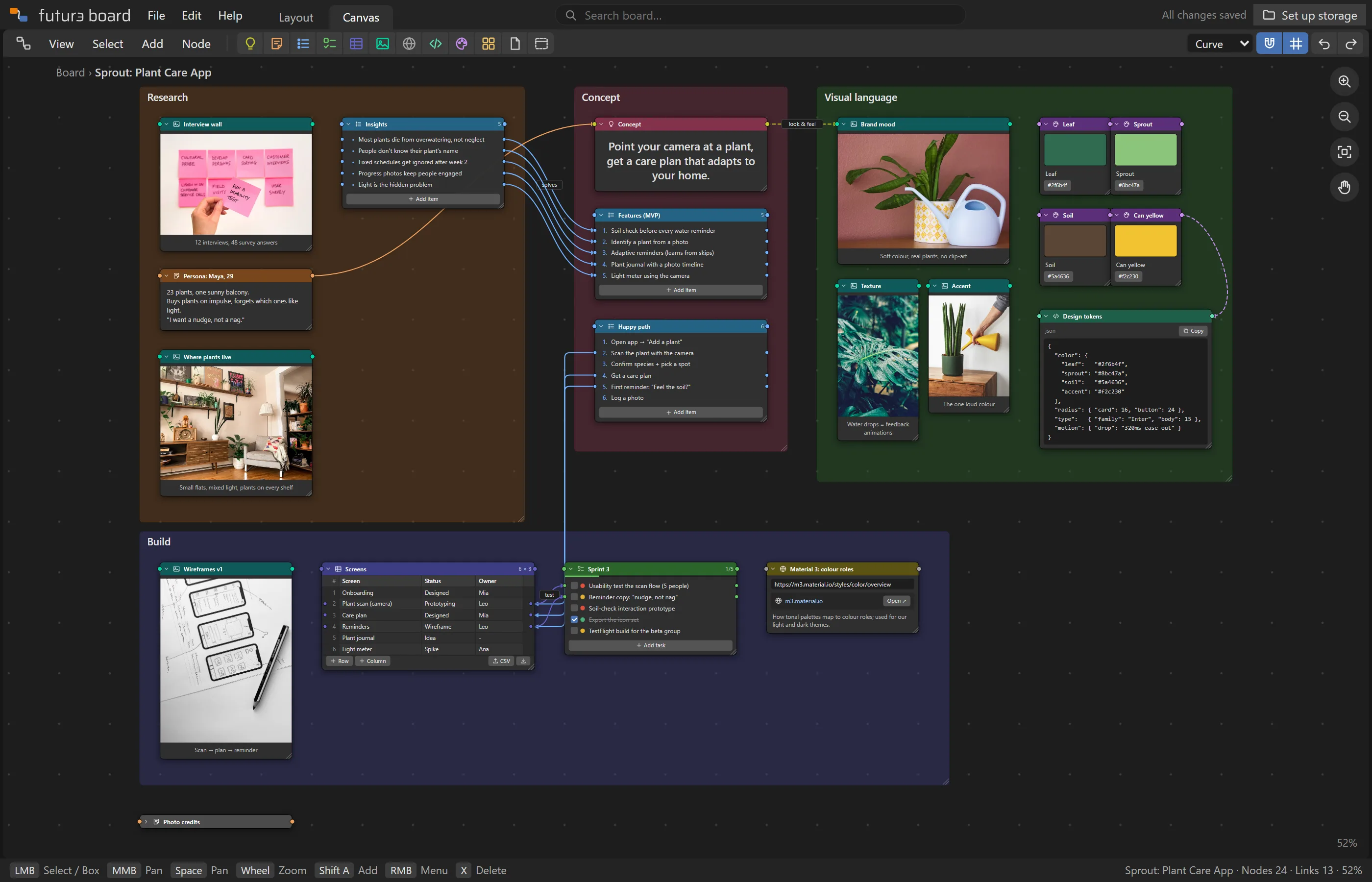
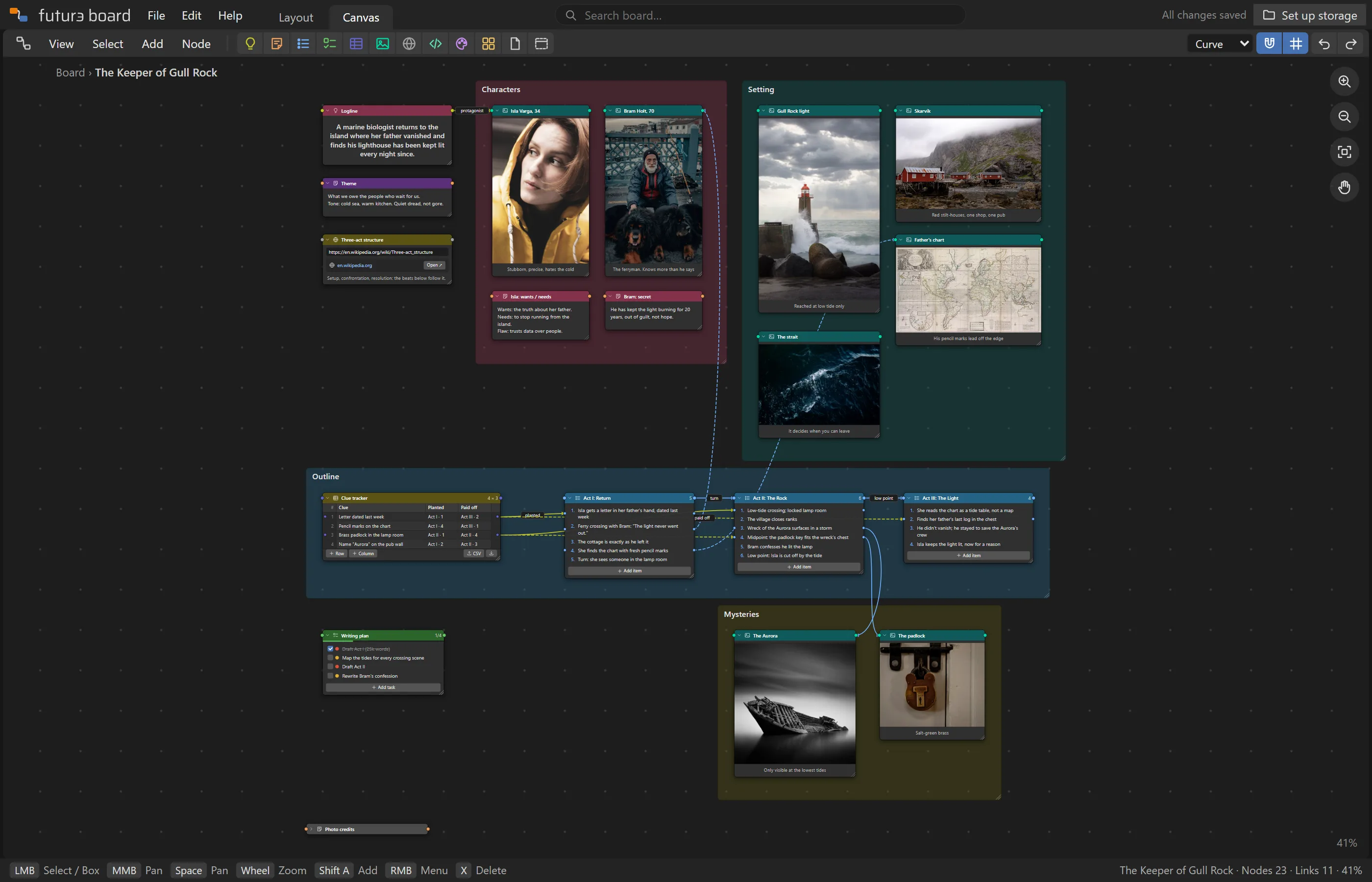
Wire each research insight to the feature it justifies, and each feature to the screen that builds it. Or outline a story in acts, with every clue wired to the beat where it's planted and the one where it pays off.
Search highlights every mention and glides to each one
An outliner lists every node, grouped by frame
Export to PDF or a Markdown outline
Get inspired
Ten finished boards to explore.
Each one is a real, complete project you can open in the app, change and keep. They're also in the app under File › Import › Examples.
Boards are plain files. They go where you put them, and you can open them without us.
Saved to your Google Drive
Boards, images and files go into a folder in your own Drive. Futur3 Board can only see the files it created there, nothing else in your Drive.
Or a folder on your computer
Prefer to keep things local? Pick a folder on your computer and boards save there instead.
Share a view-only link
Send anyone a read-only link to a board. They can pan, zoom and search, with no sign-in. Turn it off and the link stops working.
Saves itself
Changes save a couple of seconds after you stop working. Download any board as JSON, as a package with its images and files, as a PDF or as a Markdown outline.
Works with Claude
Ask Claude to build the board.
Futur3 Board ships with a Claude skill. Claude learns the board format, then turns your notes, transcripts, spreadsheets or a plain description into a laid-out board, with frames, palettes and wires, ready to open.
Here are my notes from three customer interviews. Make a Futur3 Board with the insights, link each one to a feature idea, and add a to-do list for the next sprint.
Claude
Done: interview-synthesis.json. It has a Research frame with 9 insights, each wired to one of 6 features, plus a prioritised sprint list. Open it with File › Import › Board JSON file.
Free during the private beta. Sign-in is open to invited accounts while we finish testing.
FAQ
Questions, answered.
Where are my boards stored?
In your own Google Drive, in a "Futur3 Board" folder (you can pick another), or in a folder on your computer. Each board is a JSON file, and its images and attachments sit next to it. Our servers never store your boards.
What can Futur3 Board see in my Google Drive?
Only the files it creates. It asks for Google's most limited Drive permission (drive.file), which doesn't let it list or read anything else in your Drive.
Can I keep my boards off the cloud?
Yes. Pick a folder on your computer as the save location and boards, images and files are written there instead of to Drive. The app itself runs in your browser and needs a connection to load, and photos that come from the web (like those in the examples) need one to show.
Which browsers are supported?
Any modern browser works with Google Drive. Saving to a folder on your computer needs Chrome or Edge, which support the File System Access API.
Can other people see my boards?
Only if you share a view-only link. The link gives read-only access to that board and the images it uses. Stop sharing at any time and the link stops working.
What happens to my boards if I cancel?
Nothing: they're your files, in your Drive or on your computer. Board files are plain JSON, so they stay readable without the app.
Your next project deserves a better board.
Start with a blank canvas or one of the ten examples.