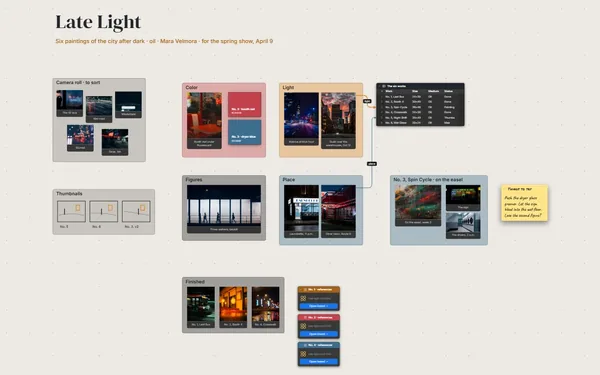
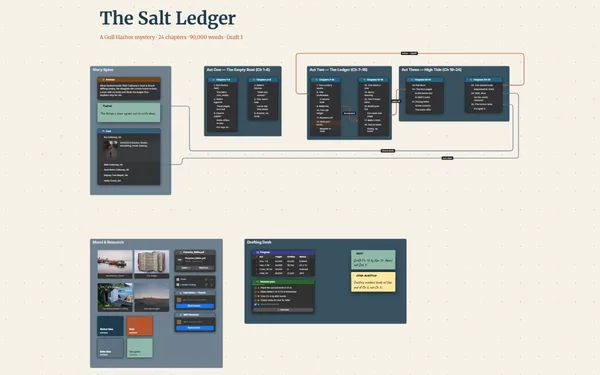
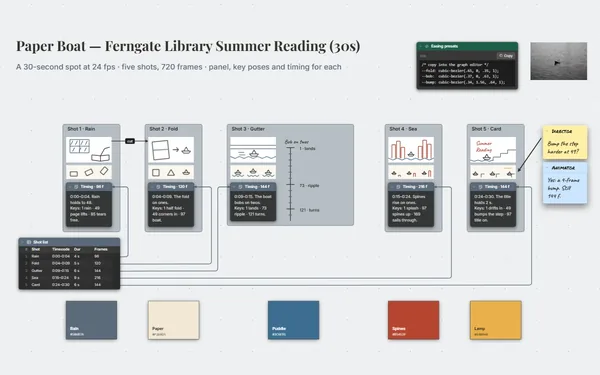
A comic page layout board that sets your issue out as spreads: panels blocked in, a thumbnail and dialogue in each, every page turn planned.
Futur3 Board is in private beta. Invited accounts get every Subscriber feature free during the beta. No limits on your free boards, saved anywhere.
A comic page layout board: six pages set as spreads, panels blocked in with thumbnails and dialogue.

Page 1 alone on the right, then 2 and 3 facing, the way they’ll print. You see the rhythm of big and small panels, and where the splash lands when the reader turns.

A line from the cliffhanger at the bottom of page 3 to the splash on page 4, labeled “reveal”. Plan what the reader sees the moment they turn.

Twenty-two panels, six pages and a deadline. Block each page with shapes, a quick marker sketch and a note for the dialogue, then give each panel your full attention at the drawing table.

Thumbs, pencils, inks, colors, letters: every page has a row and its stage. Scans go up beside the table as pages are inked, and the finished comic gets closer every week.

Invite your writer, colorist or letterer to edit the same pages live, each with a pointer. Your editor’s notes land as arrows on the exact panel. Only the board’s owner needs Subscriber.
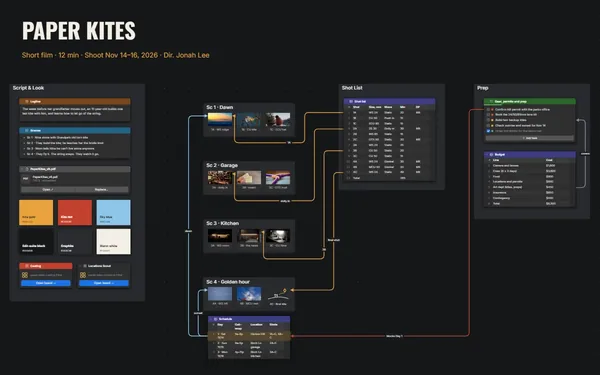
Pick a block to see where it sits on Moth & Marigold’s board.
Yes. Draw right on the board with the drawing tool. Scans and photos of your pencils go in as images you can double-click to see large.
Yes. Give each chapter its own board and link them from a series board, then double-click to dive into any chapter’s pages and step back out to the whole book.
Yes. Set a camera view on each spread and present full screen: the pages turn the way a reader turns them, one click at a time, for your editor or your writer (Subscriber).
Yes. No limits on your free boards, saved anywhere: make as many as you like, with as many pictures and blocks as you like. They save on your computer, in your browser, or in your own Google Drive or OneDrive. The $5 Subscriber plan adds share links to view, comment, present or edit together live.
You do. Every board is a file you own: on your computer, in your browser, or in your own Google Drive or OneDrive. If you stop subscribing, your boards stay right where they are.
Yes. Install it from your browser in one click and it opens and saves like any app, with no connection.