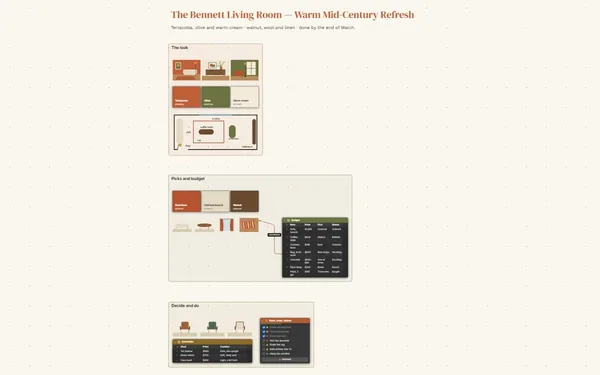
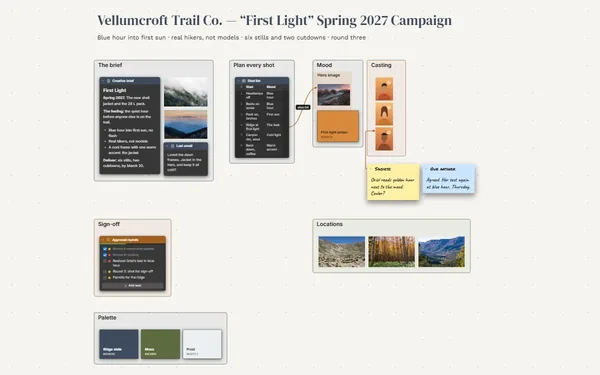
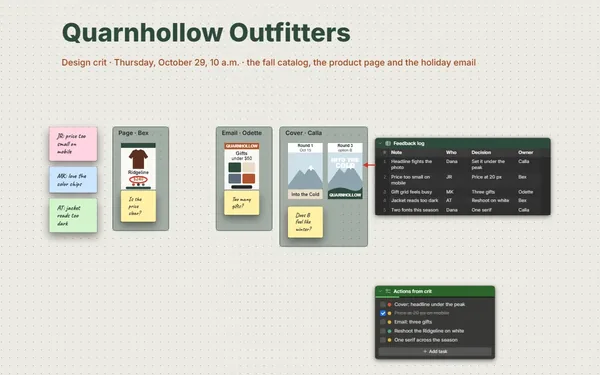
A design inspiration board for a live project: every photo, scan and screenshot grouped by theme, with a line from each one to what you’re taking from it.
Futur3 Board is in private beta. Invited accounts get every Subscriber feature free during the beta. No limits on your free boards, saved anywhere.
A design inspiration board for a botanical garden identity: references grouped by theme, each linked to the idea taken from it.

Screenshots, saved posts, forty browser tabs and a folder called “inspo final 2”. Drop them on one board and stop worrying that the perfect reference is lost somewhere.

Type, color, texture and signage in frames side by side. The letterpress sample next to the herbarium sheet shows you a pattern you’d never spot scrolling a folder.

A line from the carved trail sign to “Rounded, friendly signage”, from the pressed-flower scan to “Muted botanical greens”. A reference with a reason can’t be misread.

A link to the source beside every image, a caption in a note. Months later, a search for signage turns up the sign you saved and exactly where it came from.

Build a palette from your favorite photos and turn a 3D model of the signpost. The project stops being a brief and starts looking like something that already exists.
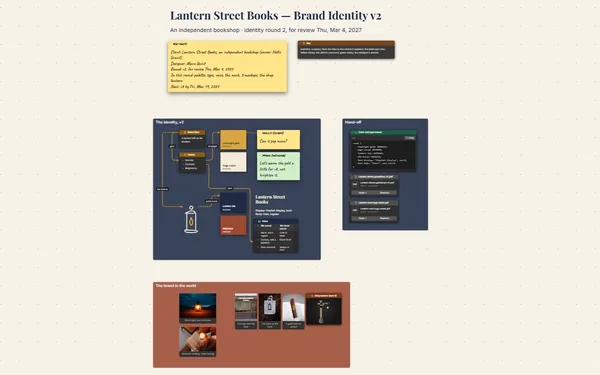
Pick a block to see where it sits on Tallisbrook Botanical Garden’s board.
Add a Link to each video beside a still from it, so the board shows the moment you mean and the source is one click away.
No. Keep an evergreen swipe-file board and link it from each project wall. Boards inside boards let you dive in and come back out.
Yes. Invite them to edit (Subscriber) and they drop references in live, each pointer named. An arrowed comment marks the exact detail, the corner of a sign rather than the whole photo. Only the board’s owner needs Subscriber.
Yes. No limits on your free boards, saved anywhere: make as many as you like, with as many pictures and blocks as you like. They save on your computer, in your browser, or in your own Google Drive or OneDrive. The $5 Subscriber plan adds share links to view, comment, present or edit together live.
You do. Every board is a file you own: on your computer, in your browser, or in your own Google Drive or OneDrive. If you stop subscribing, your boards stay right where they are.
Yes. Install it from your browser in one click and it opens and saves like any app, with no connection.