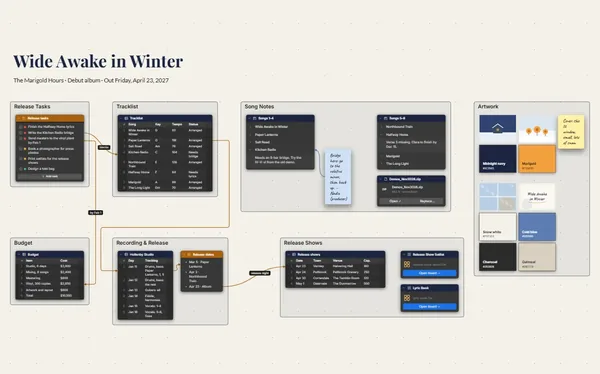
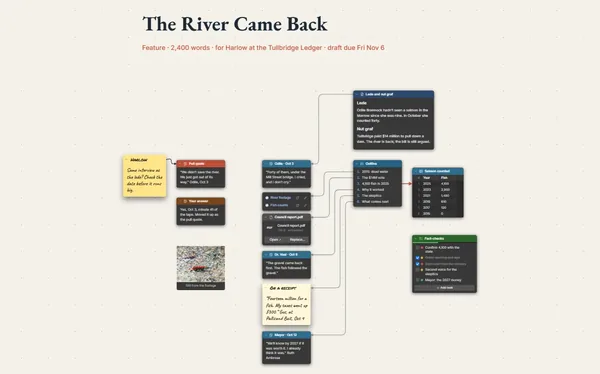
A podcast planner that lines up the whole season in one table, each episode linked to its guest’s brief and segments, so you walk in prepared.
Futur3 Board is in private beta. Invited accounts get every Subscriber feature free during the beta. No limits on your free boards, saved anywhere.
A podcast planner board: the season’s episode table linked to guest briefs, the segment format and recording prep.

Eight episodes, five guests, three email threads and a recording on Wednesday. Put them on the board, and in the interview you can actually listen.

Episodes, guests and segments side by side. You spot two guests from the same field, the hosts-only weeks in February and the episode still waiting on a yes.

A line from episode 3 straight to the guest’s brief: who they are, the angle, three questions. Nothing falls between booking, research and recording.

Present the show, the season and the segment format full screen, one segment at a time. A new guest knows how the conversation runs before they sit at the mic (Subscriber).

Invite your co-host and producer to edit, and the episode table updates live. Your editor can point an arrow at the episode that needs a pickup. Only the board’s owner needs Subscriber.
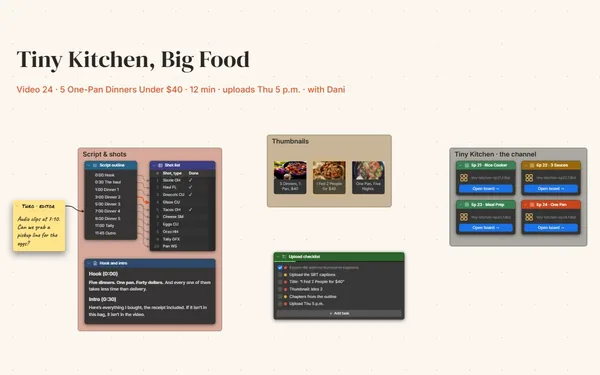
Pick a block to see where it sits on Second Acts’s board.
Yes. Tables import and export CSV, so the episode list moves between the board and your spreadsheet, and every row gets its own connector socket.
Yes. Link a board from beside each episode row and double-click to dive in: the full run sheet, the research and the clip list, with the season one step back.
Yes. Attach clips and intros with a File block, beside the episode or segment they belong to, and pack the board and its files into one file for the season archive.
Yes. No limits on your free boards, saved anywhere: make as many as you like, with as many pictures and blocks as you like. They save on your computer, in your browser, or in your own Google Drive or OneDrive. The $5 Subscriber plan adds share links to view, comment, present or edit together live.
You do. Every board is a file you own: on your computer, in your browser, or in your own Google Drive or OneDrive. If you stop subscribing, your boards stay right where they are.
Yes. Install it from your browser in one click and it opens and saves like any app, with no connection.