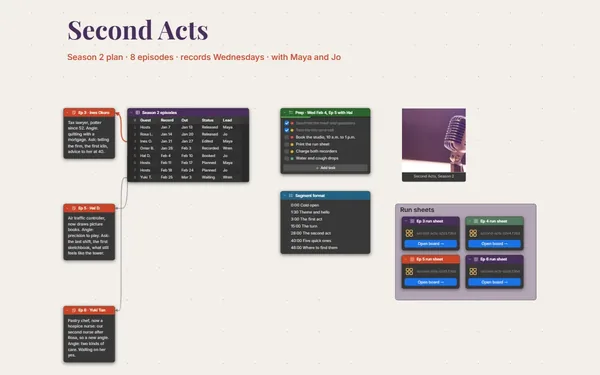
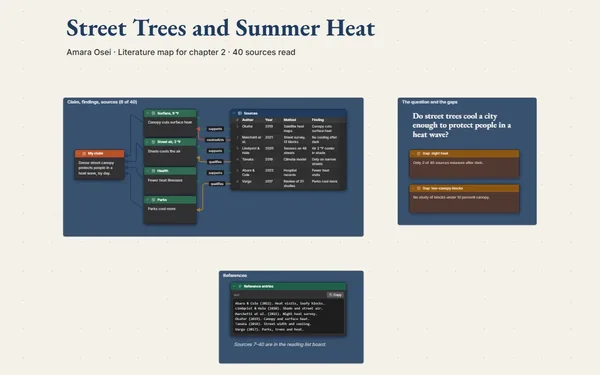
An article outline with your quotes, data and sources around it, each section linked to the evidence that holds it up, so drafting starts from a plan.
Futur3 Board is in private beta. Invited accounts get every Subscriber feature free during the beta. No limits on your free boards, saved anywhere.
An article outline board: a numbered outline in the middle with quotes, data and sources linked to each section.

Interview notes, a council PDF, the river footage and a quote scribbled on a receipt. Drop them on the board, and stop worrying about losing the best line.

The outline runs down the middle, quotes and data around it, close to the section they serve. Zoom out and you see where the piece is strong and where it’s still thin.

A line from section 3 to the row in your data table, from the lede to the quote that opens it. When your editor asks where a number came from, you follow the line.

Present the angle, then the outline one point at a time, then the strongest quotes and the numbers. It’s a pitch your editor can see, not just read. Only the board’s owner needs Subscriber.

Invite your editor to comment and they point an arrow at the exact quote or outline point, and you reply in the thread (Subscriber).
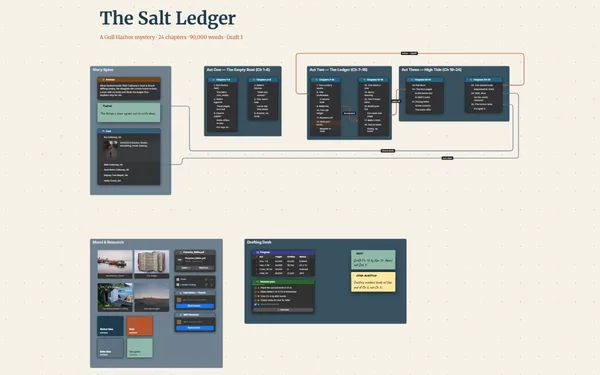
Pick a block to see where it sits on The River Came Back’s board.
Yes. Paste formatted text into a Document block and it keeps its headings and bold. Keep the lede and nut graf there, right above the outline they lead into.
Link to them with a Link block, one click away, or attach clips as files. Screenshots and stills go in as images, right beside the section they support.
Keep a to-do of fact-checks and follow-up calls, each linked to the claim it’s about. Tick them off as the answers come back; the claims with open lines are the ones still waiting.
Yes. No limits on your free boards, saved anywhere: make as many as you like, with as many pictures and blocks as you like. They save on your computer, in your browser, or in your own Google Drive or OneDrive. The $5 Subscriber plan adds share links to view, comment, present or edit together live.
You do. Every board is a file you own: on your computer, in your browser, or in your own Google Drive or OneDrive. If you stop subscribing, your boards stay right where they are.
Yes. Install it from your browser in one click and it opens and saves like any app, with no connection.