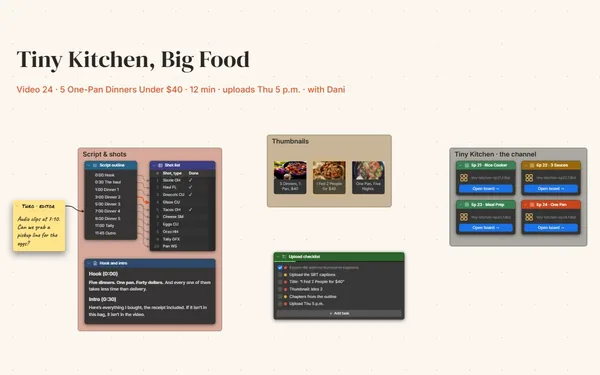
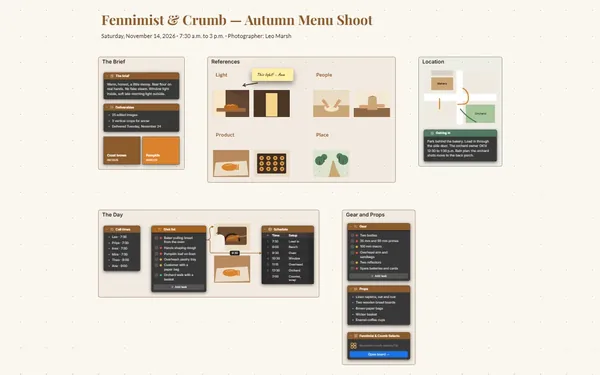
An album release plan with the tracklist, each song’s notes, the studio days, the artwork and the release dates on one board, linked song by song.
Futur3 Board is in private beta. Invited accounts get every Subscriber feature free during the beta. No limits on your free boards, saved anywhere.
An album release plan board: a tracklist linked to studio days and single dates, with song notes and artwork.

Lyrics in your phone, chord charts on napkins, studio dates in the group chat. Put every song, key and session on the board, and walk into the studio thinking about the take.

Tracklist, song notes, studio days, artwork and release shows side by side. Zoom out to see first demo to release day; zoom in on one song’s lyric and arrangement.

A line from “Paper Lanterns” to the day you track it, and on to its single date. Follow the lines and you know where each song is, and what’s holding it up.

Invite the band to edit and everyone adds harmonies and gear lists live. Only the board’s owner needs Subscriber. Your producer points an arrow at the song that needs a new bridge.

Artwork references, a winter color palette and the title in big type beside the tracklist. “We should make an album” becomes a record you can almost hold.
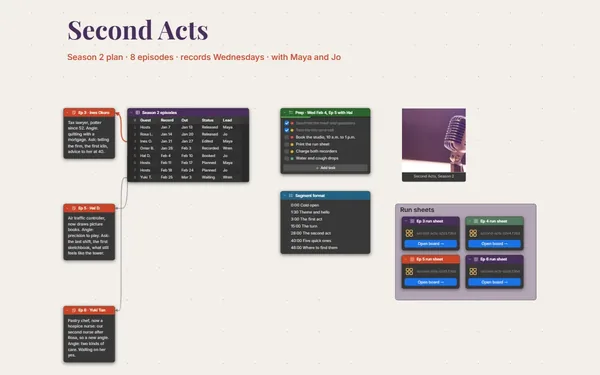
Pick a block to see where it sits on The Marigold Hours’s board.
Yes. Put lyrics in notes, paste formatted charts into a Document block, and attach PDFs or demo recordings with a File block beside the song they belong to.
Yes. A table holds tour dates and venues, sticky notes make a setlist you can drag into order, and a linked board keeps the tour one double-click from the album.
Keep each cost in a table with who paid and what for. The board doesn’t add it up, so export the table as CSV and total it in a spreadsheet.
Yes. No limits on your free boards, saved anywhere: make as many as you like, with as many pictures and blocks as you like. They save on your computer, in your browser, or in your own Google Drive or OneDrive. The $5 Subscriber plan adds share links to view, comment, present or edit together live.
You do. Every board is a file you own: on your computer, in your browser, or in your own Google Drive or OneDrive. If you stop subscribing, your boards stay right where they are.
Yes. Install it from your browser in one click and it opens and saves like any app, with no connection.