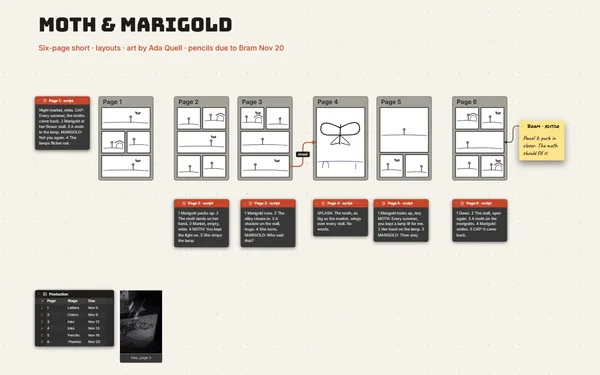
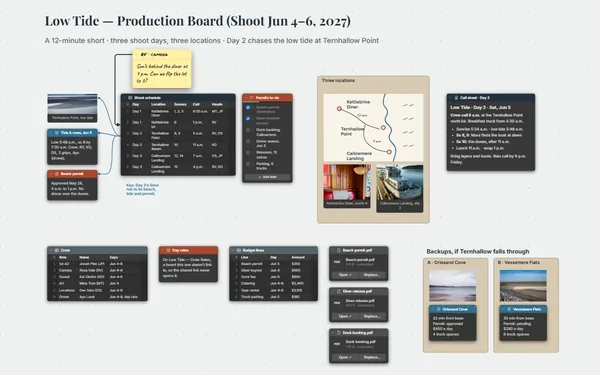
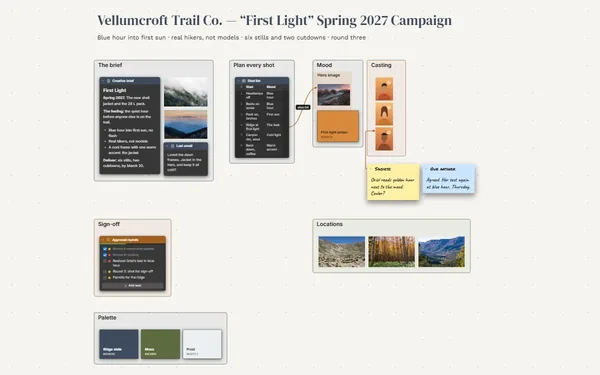
An animation storyboard laid out shot by shot: each frame holds the panel, the key poses and the timing in frames, beside the shot list the producer reads.
Futur3 Board is in private beta. Invited accounts get every Subscriber feature free during the beta. No limits on your free boards, saved anywhere.
An animation storyboard board: a frame per shot with its panel, key poses and timing, linked to the shot list.

You know shot three runs 144 frames and the boat bobs on twos, but nobody else does yet. Write it down shot by shot, before you set a single key.

A frame per shot, left to right like a film strip: panel, poses, timing. Zoom out and you see where the 30 seconds breathe and where they rush.

A line from each shot list row to its frame. When the client trims a second from shot four, follow the line and fix the timing note in the same place.

A camera view on each shot, full screen, one click per shot with a fade or slide between. Feel the cut before you animate a frame (Subscriber).

The client points an arrow at the exact pose they want changed and you reply in place (Subscriber). Redraw it, swap the panel, and the timing beside it stays put.
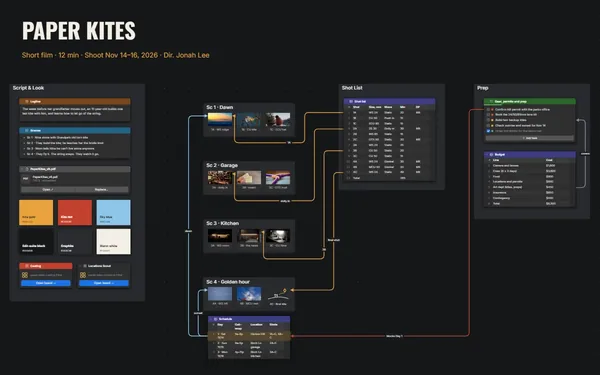
Pick a block to see where it sits on Paper Boat’s board.
You can present it: a camera view on each shot, full screen, with fade, slide or reveal between them, one click at a time. Attach your rendered animatic as a file to keep it with the boards (Subscriber).
Invite them by email to comment. They point an arrow at the exact pose or panel, and you reply in the thread (Subscriber), so every note stays on the shot it’s about. Only the board’s owner needs Subscriber.
Yes. Tables export to CSV, and you can import a shot list from CSV too. The board doesn’t total the frames, so let the spreadsheet do the sums.
Yes. No limits on your free boards, saved anywhere: make as many as you like, with as many pictures and blocks as you like. They save on your computer, in your browser, or in your own Google Drive or OneDrive. The $5 Subscriber plan adds share links to view, comment, present or edit together live.
You do. Every board is a file you own: on your computer, in your browser, or in your own Google Drive or OneDrive. If you stop subscribing, your boards stay right where they are.
Yes. Install it from your browser in one click and it opens and saves like any app, with no connection.