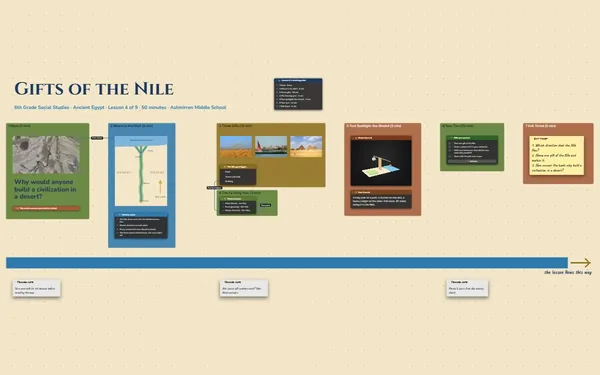
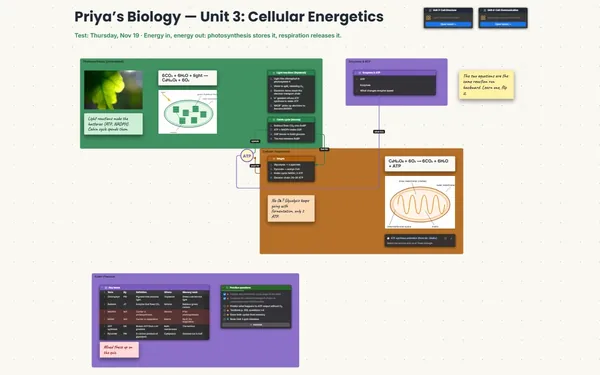
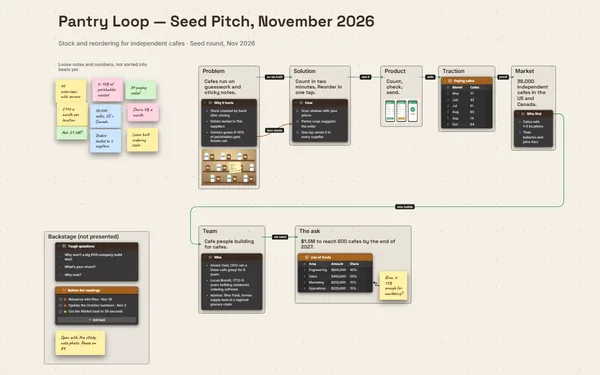
A presentation board for school, built where you did the research and given one point per click (Subscriber), with every source one zoom away.
Futur3 Board is in private beta. Invited accounts get every Subscriber feature free during the beta. No limits on your free boards, saved anywhere.
A presentation board for school: the hook title, the canal route drawn on a map, a facts timeline and three main points.

Twelve tabs, three notes apps and a rubric you half remember. Pull it all onto one board, and you can finally see what your talk is actually about.

The hook, the map, the timeline, three main points and the closing question, in the order you’ll say them. Zoom out and you’ll see in seconds if the middle drags.

Run a line from “$7 million” in your facts table to the point that uses it, and from each engraving to the claim it backs. When your teacher asks how you know, follow the line.

Click through your camera views at home, full screen (Subscriber), exactly as the class will. Seeing the finished talk play out shrinks the nerves. Tick off each practice run and you know you’re ready.

Your three main points appear one click at a time, with fade, slide and reveal (Subscriber). If someone asks a question, zoom out to the source and back in.
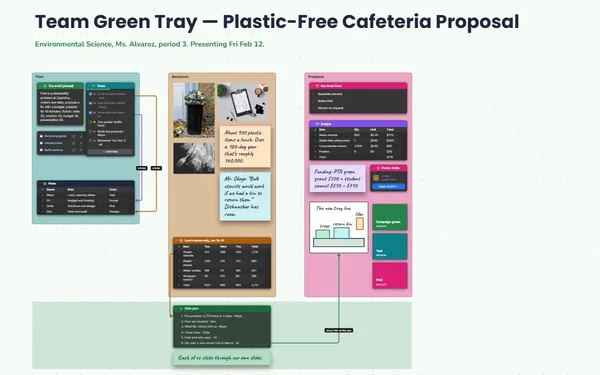
Pick a block to see where it sits on The Erie Canal’s board.
No. Pick camera views on the board and present full screen (Subscriber). The board moves between them, list items appear one click at a time, and the research stays right there behind the talk.
Present from your own laptop (Subscriber): install it from the browser and it works with no connection. Export a PDF of the talk too (Subscriber), as a backup for the classroom computer.
Yes. Invite your partner by email to edit and build it from two laptops live, each with your own pointer and name (Subscriber). Your teacher can be invited to comment, with arrows on the exact spot. Only the board’s owner needs Subscriber.
Yes. No limits on your free boards, saved anywhere: make as many as you like, with as many pictures and blocks as you like. They save on your computer, in your browser, or in your own Google Drive or OneDrive. The $5 Subscriber plan adds share links to view, comment, present or edit together live.
You do. Every board is a file you own: on your computer, in your browser, or in your own Google Drive or OneDrive. If you stop subscribing, your boards stay right where they are.
Yes. Install it from your browser in one click and it opens and saves like any app, with no connection.