A whiteboard for teaching that holds the whole lesson: laid out on one board, then taught one point at a time, when your class is ready for it.
Futur3 Board is in private beta. Invited accounts get every Subscriber feature free during the beta. No limits on your free boards, saved anywhere.
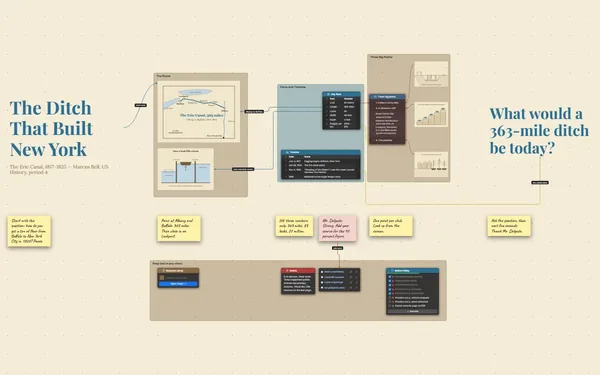
A whiteboard for teaching: the big question, the Nile drawn on a map, key ideas and a 3D shaduf, laid out in teaching order.

List items appear one click at a time (Subscriber), so the answer to the hook question stays hidden until the room has had a go. You set the pace by watching faces, not the clock.

Midway through the presentation (Subscriber), zoom out to the whole lesson: the flood, the farms, the pyramids. Students see where today’s point sits in the story, then you dive back in.

A labeled line from the summer flood to the planting season, and from the harvest to the pyramid builders. Cause and effect becomes something students see, not just hear.

Turn a 3D model of a shaduf while you explain how one farmer lifted water from the river. When students can see how it works, the questions start coming from them instead of you.

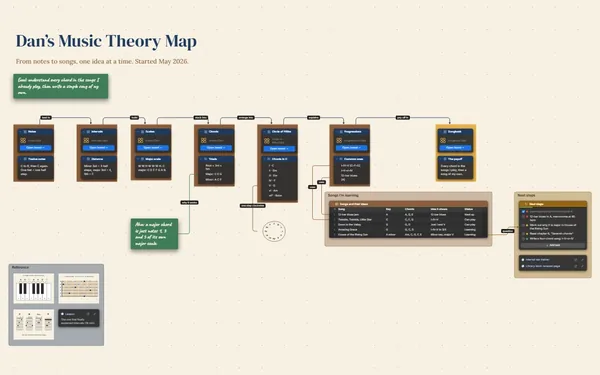
The hook, the pictures, the timing, the activity, the exit ticket. Lay it out once on a board, and the lesson stops living in sticky notes and your memory of last year.
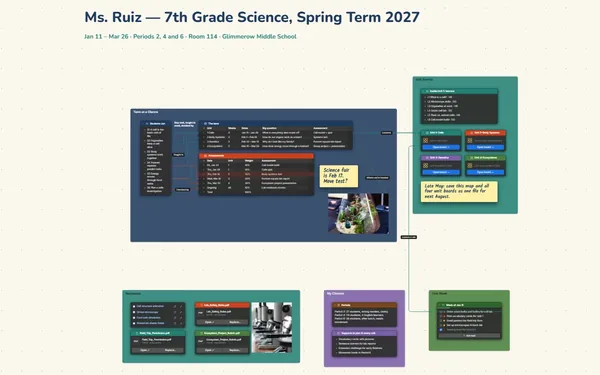
Pick a block to see where it sits on Gifts of the Nile’s board.
The whole lesson lives on one board. You present (Subscriber) by moving between camera views you choose, with fade, slide and reveal, and list items appear one click at a time. At any point you can zoom out and show how it connects.
Install it from your browser and the board works with no connection and autosaves, so the lesson carries on. Keep the pictures and models on the board itself rather than relying on outside sites.
Yes. Send a view-only link (Subscriber), so absent students and families can walk through the same lesson at home, or export it as a PDF to print (Subscriber).
Yes. No limits on your free boards, saved anywhere: make as many as you like, with as many pictures and blocks as you like. They save on your computer, in your browser, or in your own Google Drive or OneDrive. The $5 Subscriber plan adds share links to view, comment, present or edit together live.
You do. Every board is a file you own: on your computer, in your browser, or in your own Google Drive or OneDrive. If you stop subscribing, your boards stay right where they are.
Yes. Install it from your browser in one click and it opens and saves like any app, with no connection.