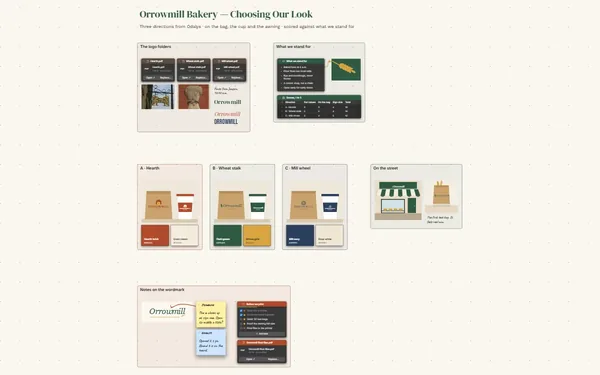
Show clients your thinking, not just your files.

Client presentations for freelancers that show why every choice was made: the brief, the concepts, the timeline and the feedback on one board, presented with camera moves (Subscriber).

Futur3 Board is in private beta. Invited accounts get every Subscriber feature free during the beta. No limits on your free boards, saved anywhere.

A client presentation board for a freelance label redesign: the brief, concepts, feedback and timeline, ready to present.

Why freelancers put it on a board

Client presentations for freelancers: the brief, timeline and to-do in their frames

Close the laptop at six

The brief is in an email, the deadline in your calendar, the feedback in a voice note. Put the whole job on one board, and you stop replaying it at midnight.

Five frames left to right, zoomed out

Know where the job stands

Brief, plan, work, feedback and delivery run left to right, the way the project moves. One look says round two, deposit paid, final files due Friday.

A connector from a feedback item to concept B2, the revision

Show why each choice was made

A line from the big idea to concept B, and from “Love the bee, lose the script font” to the version it means. The client follows your thinking, and nobody argues later about which one.

The honeycomb jar mockup at the end of the concept line

Present it, don’t attach it

Press play and the board glides from the brief to the concepts, one click at a time (Subscriber). The client sees the work itself, not a copy on a slide.

The client’s sticky note on the label, with your answer

Feedback on the exact spot

Invite the client to comment. They press on what they mean and drag out an arrow, you reply underneath, and every decision stays next to the work it changed. Only the board’s owner needs Subscriber.
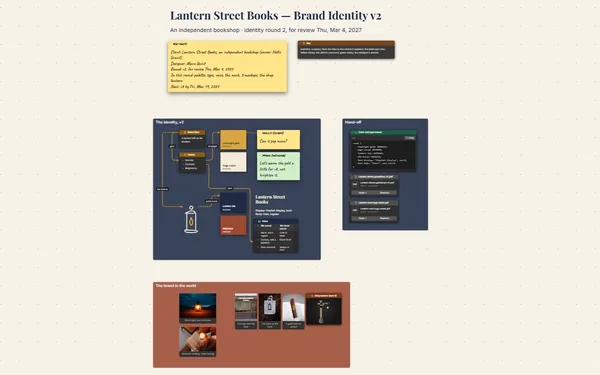
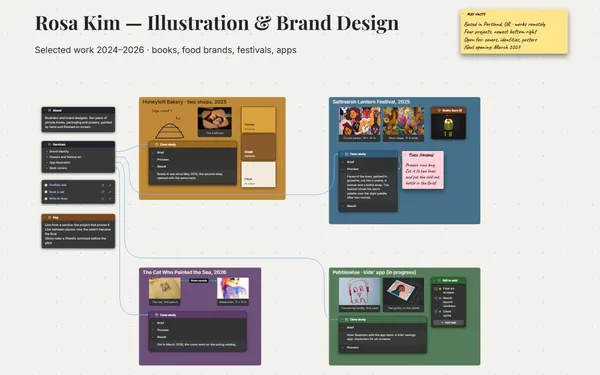
How it works

  1. A board for every client. The brief, the concepts, the timeline and the invoices, side by side.
  2. Present, then collect feedback. Glide from the big idea to the details, then invite comments (Subscriber).
  3. Keep it as a case study. When the job ends, the board is a file you keep.

What goes on the board

Pick a block to see where it sits on Wildacre Honey’s board.

BriefPlanConceptsDeliveryFeedbackWildacre Honey — Label RedesignA new label for a small honey farm · round two, for review Fri, Sep 25, 2026Key factsClient: Bryony Reeve, Wildacre Honey (raw wildflowerhoney, 12 oz jars)Designer: Linnea Perrin, freelanceFee: $1,500 · deposit paid ($600), the balance ondeliveryNow: round two · final files due Friday, Oct 2KeyGold line: a feedback item to the concept it changed; the label says howBrown line: the big idea to the concept that carries itYellow sticky: the client’s comment; green sticky: the designer’s answerBrief · Bryony’s emailA label that says whereit’s from “Our jars looklike every other honey onthe shelf. Same 12 ozjar, but people shouldsee it’s raw and from ourown meadows.” Must have:raw wildflower honey onthe front, 12 oz, roomfor the batch date.TimelineDateMilestonePaymentMon, Sep 7Kick-offDeposit paidFri, Sep 25Round two: B2Fri, Oct 2Final filesBalance, $900Big ideaHoney that tasteslike our meadows.Clover goldRound one · BryonyLove the bee, lose…Warmer gold, less o…Make “raw” biggerHive brownThis weekMock B2 up on the jarAnswer Bryony’s noteFinal files due FridayConcept AConcept BConcept B2KraftWildacreRAWWILDFLOWERHONEYWildacreRAWWILDFLOWERHONEYWildacreRAWWILDFLOWERHONEYProposal, signed.pdfProposal, signed.pdfBryony, clientCan the 12 oz go onthe front?Honeycomb…B2: 12 oz o…Label B2, final.pdfLabel B2, final.pdfLinnea, designerYes: under the namenow. Final filesFriday.the beeserif now

Questions

Do my clients need an account?

Not to look. A public link is view only and opens in any browser. To comment, you invite them by email and they sign in with Google or Microsoft, free, with nothing to install. Only the board’s owner needs Subscriber.
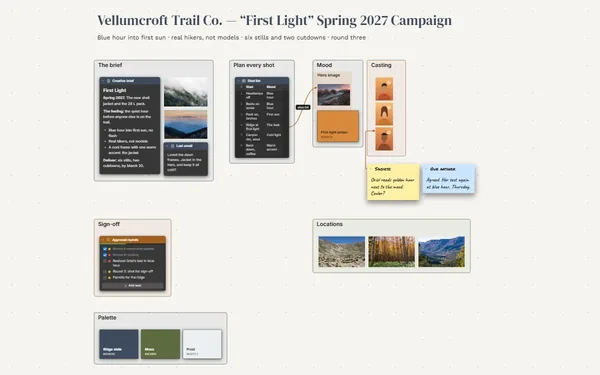
Can I reuse a board for the next client?

Yes. Save a copy of a finished board and swap in the new brief, concepts and dates. Your presentation views come with it (Subscriber).

I run several clients at once. How do I keep them apart?

Give each client their own board, and keep one board that links to all of them. Dive into a job when you need it, then come back up to see the rest. Share each client’s own board, never the hub: a link opens every board linked from it.

Is it really free?

Yes. No limits on your free boards, saved anywhere: make as many as you like, with as many pictures and blocks as you like. They save on your computer, in your browser, or in your own Google Drive or OneDrive. The $5 Subscriber plan adds share links to view, comment, present or edit together live.

Who keeps my boards?

You do. Every board is a file you own: on your computer, in your browser, or in your own Google Drive or OneDrive. If you stop subscribing, your boards stay right where they are.

Does it work offline?

Yes. Install it from your browser in one click and it opens and saves like any app, with no connection.

One board per client, and your evenings back.

More boards like this