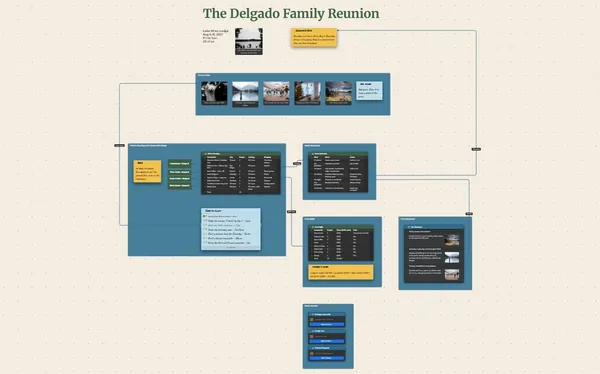
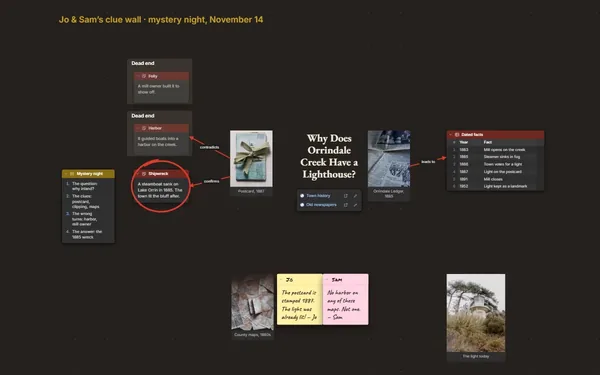
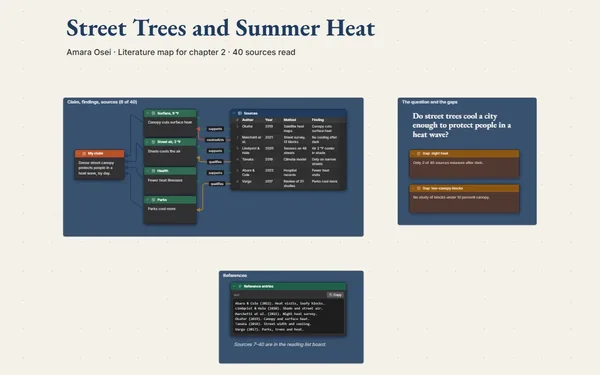
A family tree with photos: four generations of photos, dates, places and records on one board, with lines for every marriage, every child and every crossing.
Futur3 Board is in private beta. Invited accounts get every Subscriber feature free during the beta. No limits on your free boards, saved anywhere.
A family tree with photos: four generations of photo cards joined by labeled lines, with stories and records.

Names, dates, Grandma’s stories and that one photo nobody can place, scattered across boxes and folders. Put each person on a photo card with their papers beside them, and stop worrying about losing a piece.

A line for each marriage and each child, labeled with the year and the place. The timeline row “Arrived in Boston, 1920” runs straight to Thomas’s card and his ship manifest.

Great-grandparents at the top, you at the bottom, a photo on every card. Zoom out to see the shape of the family. Zoom in to read a manifest or a wedding date.

The bakery, the second crossing, the ring sewn into a coat hem. Write down the story only Aunt Helen still tells, right under the photo it belongs to, before it’s lost.

Invite relatives by email to add what they know, or to comment so an aunt can point an arrow at a photo and say exactly who that is. Only the board’s owner needs Subscriber.
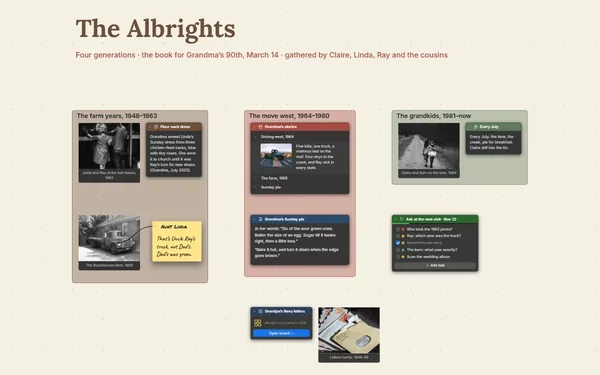
Pick a block to see where it sits on The Kowalczyk–Brennan Family · Four Generations’s board.
Yes. Put the photos and scans you want to see as images, and attach PDFs as files. The photo gallery shows every picture on the board, and a one-file package keeps the board, its photos and its files together.
Keep the main tree to three or four generations and give each branch its own board, linked from its card. You dive into a branch when you need it, and the main tree stays easy to read.
Yes. Present it full screen (Subscriber), one generation per view, with the stories revealed one click at a time. Relatives who can’t be there can look from home if you invite them by email to view (Subscriber). Keep living relatives’ birth dates off any board you share by link.
Yes. No limits on your free boards, saved anywhere: make as many as you like, with as many pictures and blocks as you like. They save on your computer, in your browser, or in your own Google Drive or OneDrive. The $5 Subscriber plan adds share links to view, comment, present or edit together live.
You do. Every board is a file you own: on your computer, in your browser, or in your own Google Drive or OneDrive. If you stop subscribing, your boards stay right where they are.
Yes. Install it from your browser in one click and it opens and saves like any app, with no connection.