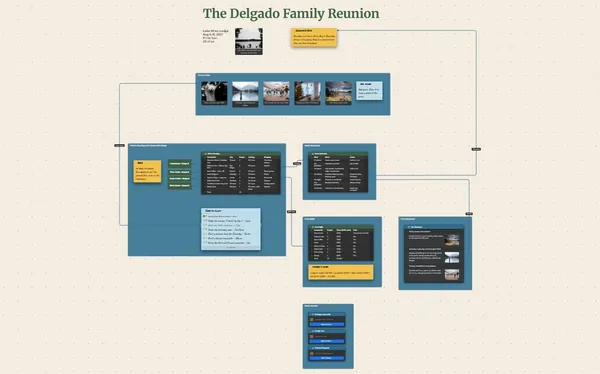
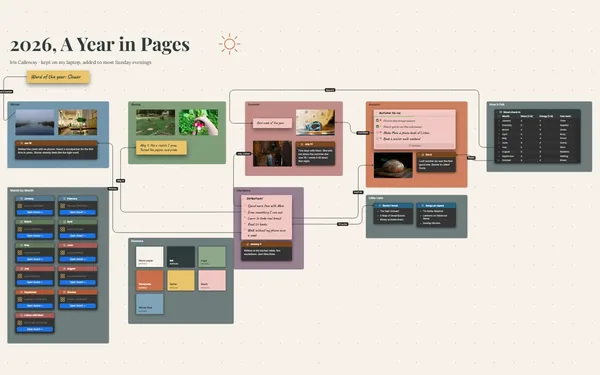
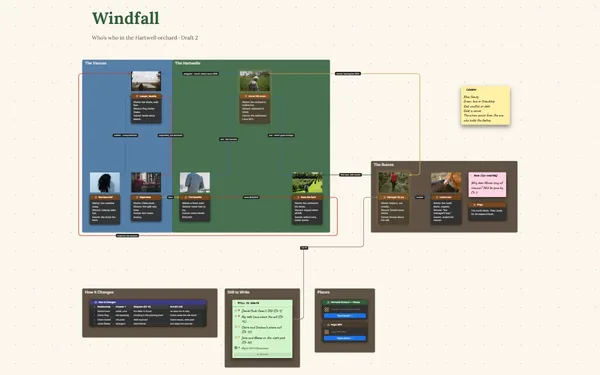
A family history book starts here: the stories behind the photos, Grandma’s recipes in her own words, gathered with relatives and laid out chapter by chapter.
Futur3 Board is in private beta. Invited accounts get every Subscriber feature free during the beta. No limits on your free boards, saved anywhere.
A family history book board: scanned photos with names and years, Grandma’s stories and recipes, in chapter frames.

The flour-sack dress, the name of the farm, who’s in that 1962 photo. Put each story beside its picture while the people who remember are still here to ask.

Invite cousins to add their photos and stories. Aunt Linda points an arrow at the truck in the photo and writes, “That’s Uncle Ray’s truck, not Dad’s.” Only the board’s owner needs Subscriber.

A frame for each chapter: the farm years, the move west, the grandkids. Fill them in visit by visit, and export the outline when it’s time to write.

Put it on the living-room TV, full screen, moving from story to story while the photos fade in. The relatives finally see the whole family in one evening (Subscriber).

Pack the board, every scan and every linked board into one file, and copy it to every branch of the family. It’s yours, not a service’s.
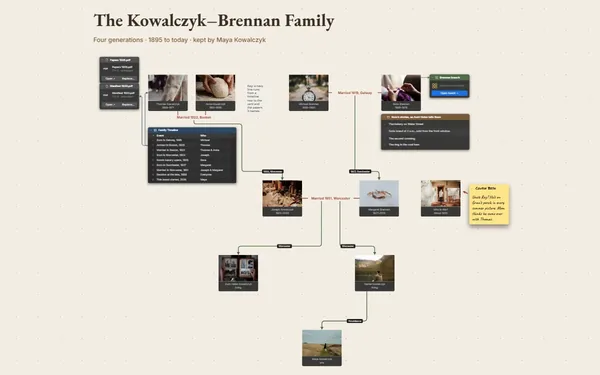
Pick a block to see where it sits on The Albright Family’s board.
Yes. Attach audio and video files with a File block, right beside the story they belong to, and they travel with the board when you pack it into one file.
Not mainly. It’s for the stories, photos and recipes that become the book. If you want the generations drawn out too, link a family tree board from this one and keep both.
Export an outline for the text, or a PDF with the photos (Subscriber): the chapters come out in order with their stories, ready to edit into the book.
Yes. No limits on your free boards, saved anywhere: make as many as you like, with as many pictures and blocks as you like. They save on your computer, in your browser, or in your own Google Drive or OneDrive. The $5 Subscriber plan adds share links to view, comment, present or edit together live.
You do. Every board is a file you own: on your computer, in your browser, or in your own Google Drive or OneDrive. If you stop subscribing, your boards stay right where they are.
Yes. Install it from your browser in one click and it opens and saves like any app, with no connection.