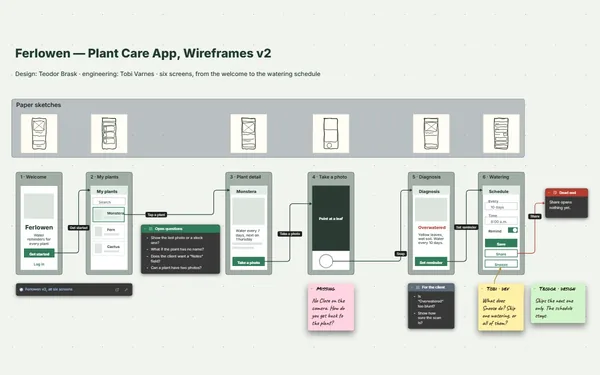
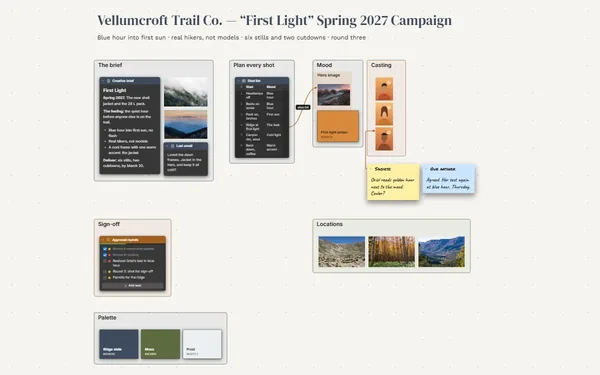
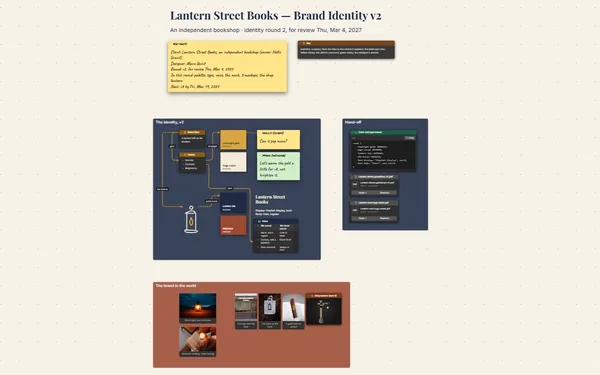
A design critique board for the weekly crit: this week’s work pinned up side by side, feedback pointed at the exact spot, and every decision turned into a to-do.
Futur3 Board is in private beta. Invited accounts get every Subscriber feature free during the beta. No limits on your free boards, saved anywhere.
A design critique board: this week’s catalog, product page and email pinned up, with feedback linked to the exact spot.

Crit notes end up in the group chat, a call recording and someone’s notebook. Log them on the wall instead, and nobody has to remember what the marketing director said about round three.

The catalog cover, the product page and the holiday email, each in its own frame like a real pin-up wall. The team sees at once whether the season feels like one brand.

A line from “Headline fights the photo” in the feedback log straight to the headline on round three. The note can’t be misread, and the decision sits right next to it.

Each round stays on the wall with its feedback, and last week’s crit is a board link away. Round one beside round three shows how far it has come, and the one note still open.

Invite the team to edit and everyone moves around the wall live, pointers named. Gather on one piece, add a quick redline, talk it through. Only the board’s owner needs Subscriber.
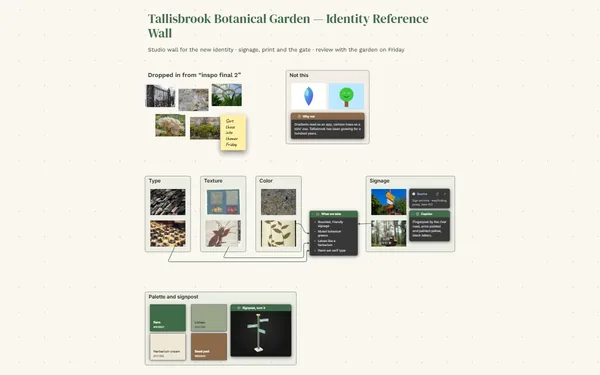
Pick a block to see where it sits on Quarnhollow Outfitters’s board.
Yes. Invite them by email to comment (Subscriber). They sign in with Google or Microsoft, point an arrow at the exact spot, and reply to each other in the thread.
Keep it. Link each week’s wall to the next with a board link, so the season’s rounds are a click apart, or pack a week into one file for the archive.
Yes. Present the wall full screen, piece by piece, the options list revealed one click at a time. It’s the sign-off meeting without rebuilding a deck (Subscriber).
Yes. No limits on your free boards, saved anywhere: make as many as you like, with as many pictures and blocks as you like. They save on your computer, in your browser, or in your own Google Drive or OneDrive. The $5 Subscriber plan adds share links to view, comment, present or edit together live.
You do. Every board is a file you own: on your computer, in your browser, or in your own Google Drive or OneDrive. If you stop subscribing, your boards stay right where they are.
Yes. Install it from your browser in one click and it opens and saves like any app, with no connection.