See your world the way you imagine it.

A worldbuilding app that turns the world in your head into one picture: a map that dives into every region, with factions, history and rules wired together.

Futur3 Board is in private beta. Invited accounts get every Subscriber feature free during the beta. No limits on your free boards, saved anywhere.

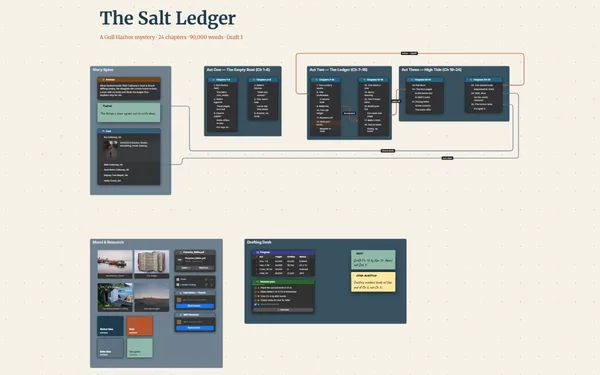
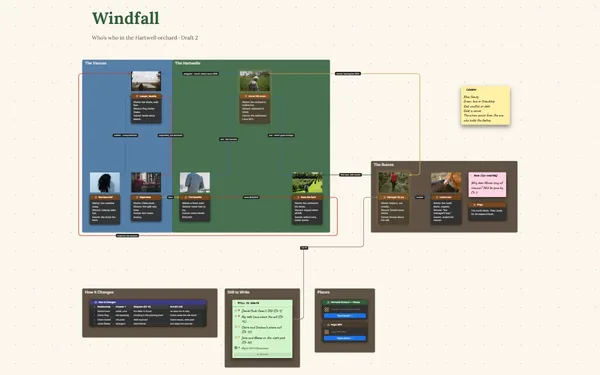
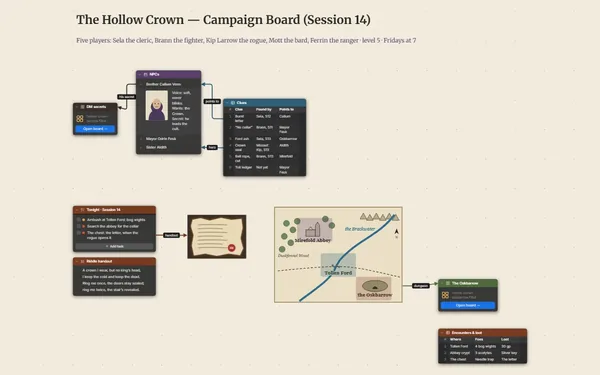
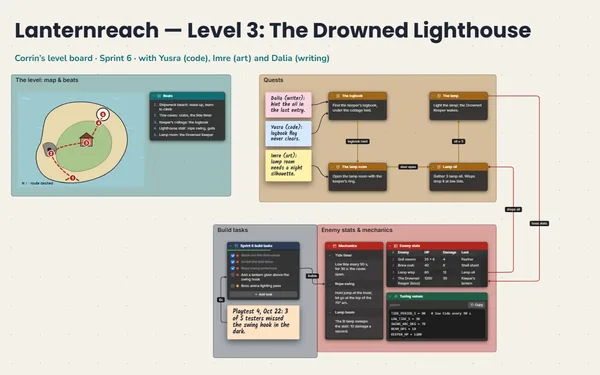
A worldbuilding app board: a hand-drawn map with region boards, factions, a history table and the rules of magic, connected.

Why worldbuilders put it on a board

Worldbuilding app: the history table beside the rules of magic

Six hundred years, kept straight

Six hundred years of history, four regions and a magic with a price. Put the timeline in a table and the rules in a list. Next time you write in the Delta, it’s waiting.

The whole atlas zoomed out around the map

Spot the gaps in your world

The map in the middle, factions on one side, rules on the other, history underneath. The region with no past and the faction with no enemies jump out: the next things to invent.

A line from a rule of magic to the war it caused

Lore that holds together

A city to its ruler, a ruler to their rival, a war to the treaty that ended it. Draw the line once, and contradictions show up before your readers find them.

The Delta’s board, its color and its landscape

Walk around in it

A hand-drawn map, a landscape for every region, a color palette for each culture. Double-click a region to dive into its own board, then climb back out to the whole world.

The world map’s line into one region’s board

Give someone the grand tour

Present it full screen: the camera starts on the map and moves region by region, factions revealed one click at a time, so players learn the world in your order (Subscriber).
How it works

  1. Start with the map. Put it in the middle, with a note for each big idea around it.
  2. Split it when it grows. Give a region its own board and link it from the map.
  3. Wire up the lore. A line from each rule to the events it caused.

What goes on the board

Pick a block to see where it sits on Harrowmere’s board.

HarrowmereAtlas of the Falling River · four regions, six hundred years · the story bible for the novel and thetableBrenncairn regionCairn grayBrenncairn peaksFactionsThe ReedfolkHouse DremmondThe Lamplit SynodThe Cairn ClansHarrowmereThornrise regionThornrise hillsHedge greenThe Glasswold regionThe Glasswold lakeQuaymireThe Delta’s port. Tide bellson every pier; the treaty wassigned in its bell house.Lake tealNo history yet. Whathappened here?Rules of magicSpells drink the r…Light costs a memo…No spell crosses r…Only the drowned c…A broken oath rust…HistoryEraYearsWhat happen…RegionThe Founding0–90The first f…ThornriseCairn Kings90–240The high ca…BrenncairnLamplighting240–380The Synod d…ThornriseDrowned War412–419The river r…DeltaThe Treaty419Water share…DeltaThe Long Ca…419–600Trade, and…DeltaDrowned War412–419. Sevenyears of spellworkleft the river toolow to reach theDelta. Dremmonddammed what wasleft.The Delta regionThe Delta at low tideTide-bell goldThe Treaty419, signed atQuaymire. The watershared by the tidebells: three daysto Thornrise, fourto the Delta.ThornriseBrenncairnGlasswoldthe Deltacausedended byruled byrivals

Questions

Is it for novels or for games?

Both. Writers use it as a story bible; game masters use it to run the world at the table, and can invite players by email to view it or comment on the map (Subscriber). Only the board’s owner needs Subscriber.

How do I start a world from scratch?

Start small: one note for the big idea, one for the main place, one for each character you already know. Draw lines between the ones that belong together. The gaps you see on the board are the next things to invent.

Can I keep the whole world as one file?

Yes. A one-file package holds the board, its pictures and files and every linked region board, so the whole world travels and backs up as one file you keep.

Is it really free?

Yes. No limits on your free boards, saved anywhere: make as many as you like, with as many pictures and blocks as you like. They save on your computer, in your browser, or in your own Google Drive or OneDrive. The $5 Subscriber plan adds share links to view, comment, present or edit together live.

Who keeps my boards?

You do. Every board is a file you own: on your computer, in your browser, or in your own Google Drive or OneDrive. If you stop subscribing, your boards stay right where they are.

Does it work offline?

Yes. Install it from your browser in one click and it opens and saves like any app, with no connection.

Your world is real. Give it somewhere to live.

More boards like this