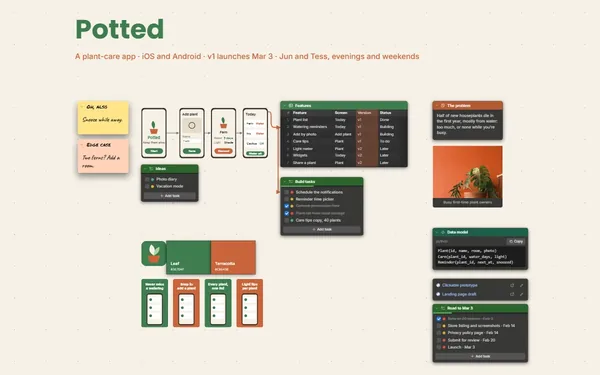
A game design board for levels, quests and mechanics: the map, the quest logic, the enemy stats and the tasks that build them, wired together on one board.
Futur3 Board is in private beta. Invited accounts get every Subscriber feature free during the beta. No limits on your free boards, saved anywhere.
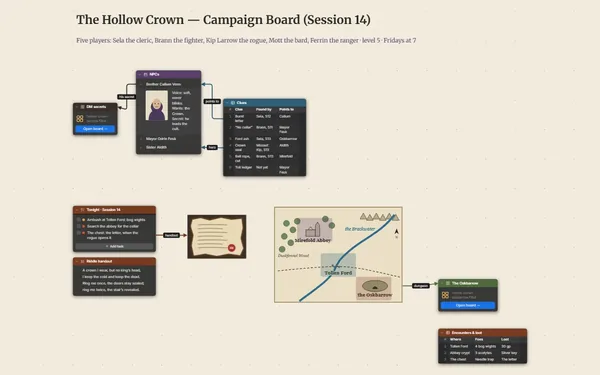
A game design board: a level map with the player route, quest steps joined by condition lines, enemy stats and build tasks.

The map sketch next to the beat list, the stat table next to the encounter it feeds. Zoom out and you see the level the way a player moves through it, start to finish.

A line from “Find the keeper’s logbook” to “Open the lamp room”, labeled with the condition. Follow the arrows and you see where a quest breaks before a playtester does.

Quest flags, tide timers, enemy HP and that rope-swing idea. Put them in notes, tables and to-dos, and stop rereading three docs to remember what triggers the boss.

Pin the playtest notes beside the build list and draw a line to the fix. When something changes, the lines show every asset and mechanic it touches.

Invite your programmer, artist and writer to edit the same board live, names and pointers on screen. Arrows point at the exact step that needs a fix. Only the board’s owner needs Subscriber.
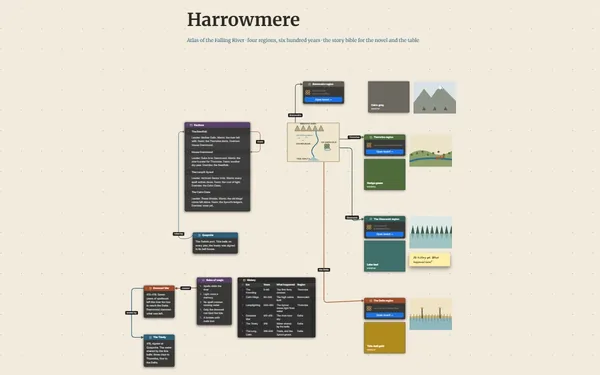
Pick a block to see where it sits on Lanternreach’s board.
Yes. Tables import and export CSV, so stats come in from a spreadsheet and tuned values go back out. The board doesn’t calculate; it shows where each number is used.
Put each step on a note or list item and draw connectors between them. Lines can be curved, straight or right-angled, with arrows and a label for the condition.
Yes. Give each level or system its own board and dive in from an overview. A one-file package carries the board with its linked boards, pictures and files.
Yes. No limits on your free boards, saved anywhere: make as many as you like, with as many pictures and blocks as you like. They save on your computer, in your browser, or in your own Google Drive or OneDrive. The $5 Subscriber plan adds share links to view, comment, present or edit together live.
You do. Every board is a file you own: on your computer, in your browser, or in your own Google Drive or OneDrive. If you stop subscribing, your boards stay right where they are.
Yes. Install it from your browser in one click and it opens and saves like any app, with no connection.