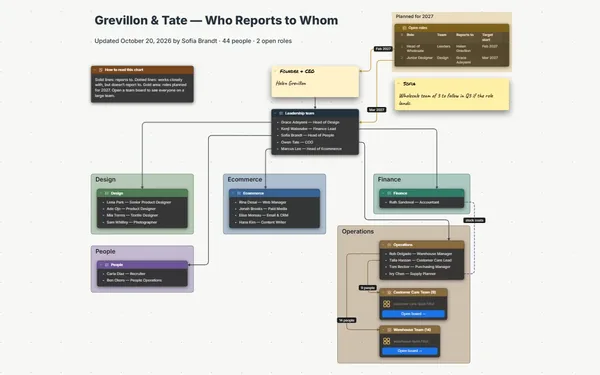
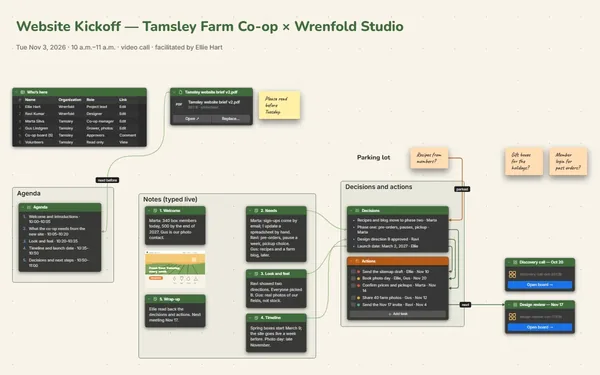
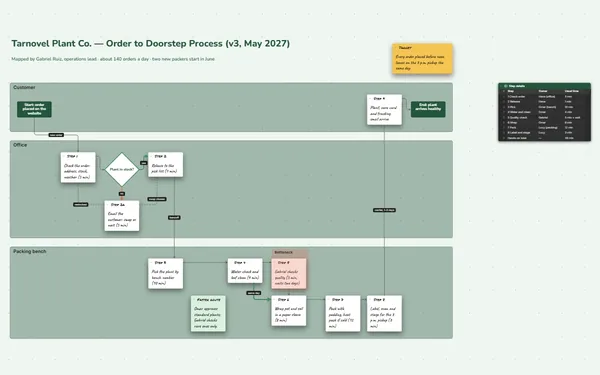
An employee onboarding checklist on one board: the first-week schedule, the faces, the tools and the answers, with each topic opening into its own board.
Futur3 Board is in private beta. Invited accounts get every Subscriber feature free during the beta. No limits on your free boards, saved anywhere.
An employee onboarding checklist board: a first-week schedule, who’s who, topic boards and 30-day goals.
Why hr and managers put it on a board
Answer “where do I park?” once
When is payday? Who approves time off? Put each answer on the board once, and your next new starter finds it without asking.
Every meeting has a face
A line runs from Tuesday’s “Helpdesk shadowing” in the schedule to Marcus in the who’s-who list: their face and what they can help with. Nobody walks into a room blind.
The whole first month at once
Start Here, the first week, the people, tools, topics and the 30-day goals sit side by side. Zoom out for the month; zoom in on today.
When the company clicks
Benefits, the product, how things get done: each topic opens into its own board to explore at their own pace. By Friday the company makes sense, not just their desk.
See day 30 coming
A 30-day to-do list shows what good looks like, and every tick shows how close they are. Small ticks in week one keep a nervous start moving.
How it works
Build the topics once. Policies, product, tools and culture, each on its own board.
Make a copy per starter. Change the name, the schedule and the buddy.
Walk them through it. Present it on day one, then let them explore (Subscriber).
What goes on the board
Pick a block to see where it sits on Welcome to Wendmoor Outfitters, Priya’s board.
Questions
Can I reuse it for every new hire?
Yes. Build the topic boards once, then copy the main board for each starter. The topic boards stay linked, so a policy only needs updating in one place.
Can new hires ask questions on it?
Yes. Invite them by email to comment (Subscriber) and they point an arrow at the exact item they’re unsure about. Their manager or buddy replies in the thread. Only the board’s owner needs Subscriber.
What shouldn’t go on it?
Keep it to what a newcomer needs: the schedule, the faces, the tools and where things are. Contracts, pay and personal details belong in your HR system, not on a welcome board.
Is it really free?
Yes. No limits on your free boards, saved anywhere: make as many as you like, with as many pictures and blocks as you like. They save on your computer, in your browser, or in your own Google Drive or OneDrive. The $5 Subscriber plan adds share links to view, comment, present or edit together live.
Who keeps my boards?
You do. Every board is a file you own: on your computer, in your browser, or in your own Google Drive or OneDrive. If you stop subscribing, your boards stay right where they are.
Does it work offline?
Yes. Install it from your browser in one click and it opens and saves like any app, with no connection.