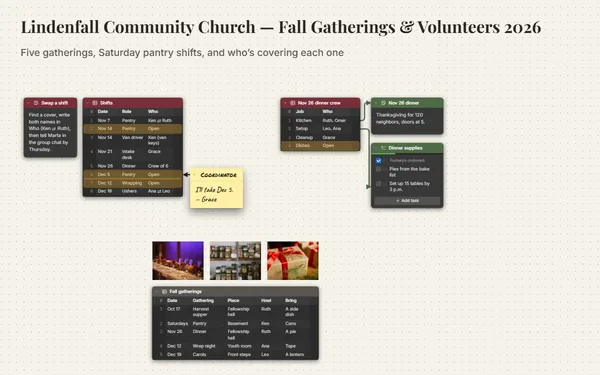
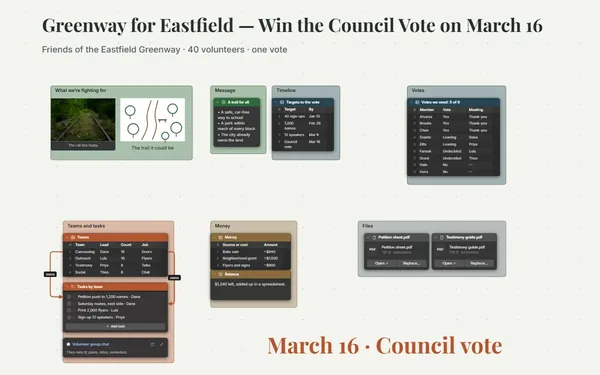
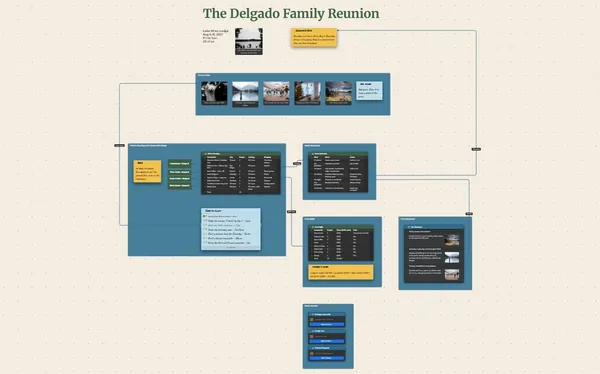
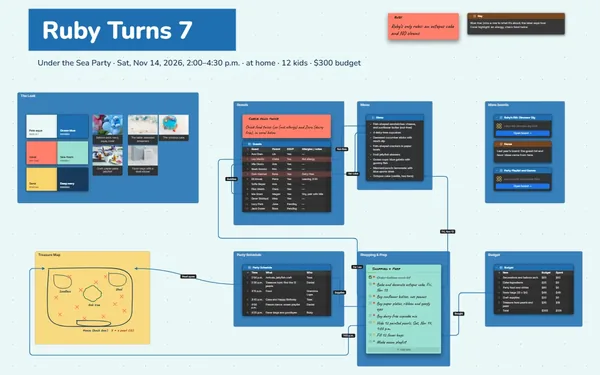
A fundraiser event planner for the whole committee: every volunteer tied to a station, every sponsor to the budget, and the goal at the top where everyone sees it.
Futur3 Board is in private beta. Invited accounts get every Subscriber feature free during the beta. No limits on your free boards, saved anywhere.
A fundraiser event planner board for a library fun run: the goal, the route with stations, volunteers, sponsors and the schedule.
Why organizers put it on a board
Stop being the answer line
Where do I park, which shift am I on, who has the cash box. Put it all on the board, and people find the answer themselves. You get your evenings back.
Every volunteer knows their spot
Draw a line from Dee’s row to Water Station 2 at the dog park, and from each sponsor to the flyer with their logo. Anyone can follow the line to their job.
Watch the goal fill up
A thermometer at the top, filled to $6,900 of $9,000, beside photos of the reading room it pays for. The last few hundred dollars stop feeling impossible.
The committee, working at once
Invite the five committee members to edit and update the board together, live, with names on the pointers. Volunteers you invite to comment claim a shift with an arrow (Subscriber).
Pitch it, then brief it
Walk the hardware store owner through the cause and the sponsor levels, full screen. On race morning, present the same board to volunteers, one station at a time (Subscriber).
How it works
Set the goal. The amount, the cause and a photo of what it pays for.
Fill the shifts. Volunteers, roles and stations in one table, each linked to its job.
Run the morning. A minute-by-minute schedule, printed for the check-in tent.
What goes on the board
Pick a block to see where it sits on Riverside Library Fun Run’s board.
Questions
Can the whole committee edit at once?
Yes. Invite each member by email to edit, and everyone sees each other’s pointers, names and selections live. Only the board’s owner needs Subscriber. Members sign in with Google or Microsoft in any browser, free, with nothing to install.
Can volunteers see it without changing anything?
Yes. Put the schedule on its own board and send everyone a view-only link, or invite volunteers by email to comment so they can claim a shift with an arrow and a reply (Subscriber). Only the people you invite to edit can change the board.
Can I print a sign-in sheet?
Yes. Export the volunteer table as CSV for a spreadsheet, or the whole board as a PDF to print for the check-in tent (Subscriber).
Is it really free?
Yes. No limits on your free boards, saved anywhere: make as many as you like, with as many pictures and blocks as you like. They save on your computer, in your browser, or in your own Google Drive or OneDrive. The $5 Subscriber plan adds share links to view, comment, present or edit together live.
Who keeps my boards?
You do. Every board is a file you own: on your computer, in your browser, or in your own Google Drive or OneDrive. If you stop subscribing, your boards stay right where they are.
Does it work offline?
Yes. Install it from your browser in one click and it opens and saves like any app, with no connection.
Everyone knows their job. You get to enjoy the day.