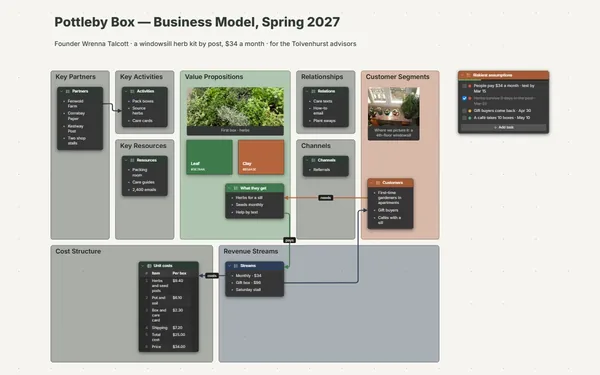
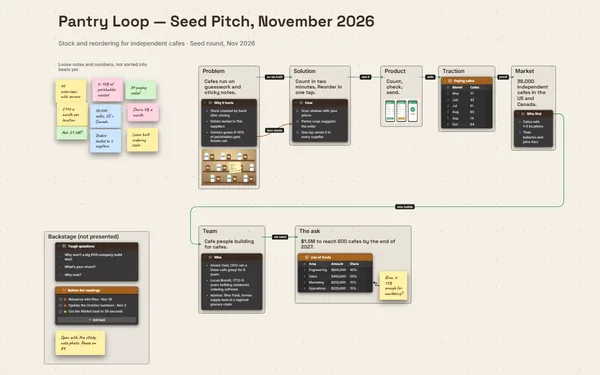
A competitor analysis board with the comparison table, every rival’s pages as screenshots, and a positioning map, so the gap you can win is easy to see.
Futur3 Board is in private beta. Invited accounts get every Subscriber feature free during the beta. No limits on your free boards, saved anywhere.
A competitor analysis board: a comparison table, each rival’s screenshots and a hand-drawn positioning map.

Thirty tabs, a folder of screenshots and a spreadsheet only you understand. Pull it onto one board, and your head is free to think about what it means.

The comparison table sits above a frame for each rival, holding their homepage, pricing page and checkout. You read the price and see the page that sells it in one glance.

Sketch the positioning map, place each rival, and highlight the empty corner in gold. The opportunity stops being a sentence in a report and becomes a place.

Run a line from a rival’s 30-day return window to your move, “offer 100 days,” and label it. When leadership asks why, follow the line back to the evidence.

Each move sits beside the gap that justifies it. Present it full screen, the map first, then each rival, then the moves one click at a time, and the choice explains itself (Subscriber).
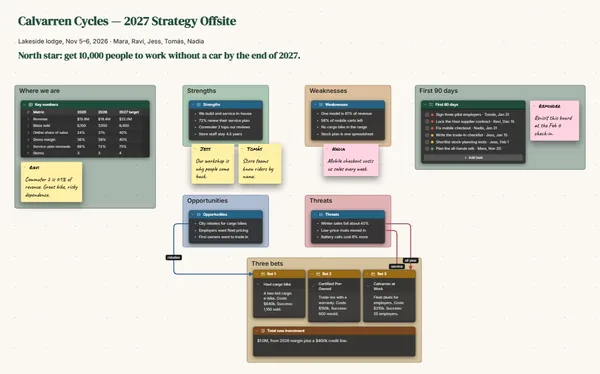
Pick a block to see where it sits on Otto Cookware’s board.
Yes. Tables import and export CSV, so it comes straight in, and a CSV goes back out when you need one.
Pages change. A dated screenshot records what a rival’s pricing looked like the day you checked, and a link beside it opens the current version.
Yes. Invite a colleague by email to edit, and you fill in the table while they add screenshots, live, pointers and names showing. Invite the sales lead to comment with what they hear on calls. Only the board’s owner needs Subscriber.
Yes. No limits on your free boards, saved anywhere: make as many as you like, with as many pictures and blocks as you like. They save on your computer, in your browser, or in your own Google Drive or OneDrive. The $5 Subscriber plan adds share links to view, comment, present or edit together live.
You do. Every board is a file you own: on your computer, in your browser, or in your own Google Drive or OneDrive. If you stop subscribing, your boards stay right where they are.
Yes. Install it from your browser in one click and it opens and saves like any app, with no connection.